

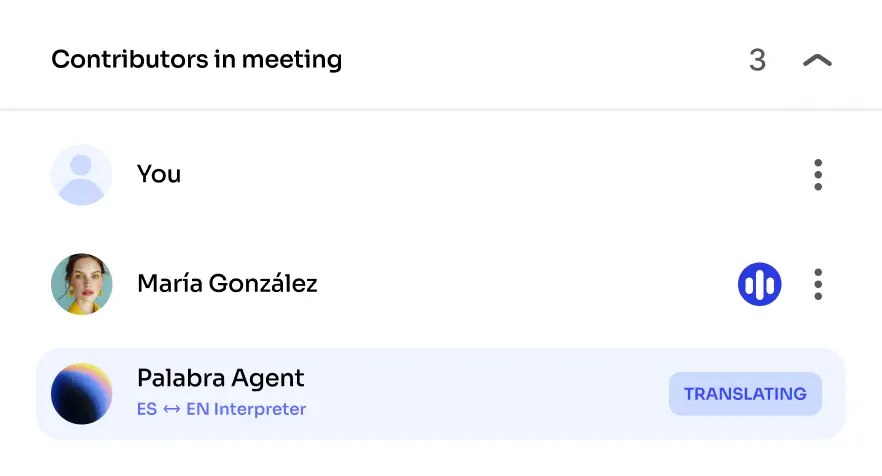
The Agent joins like any other guest
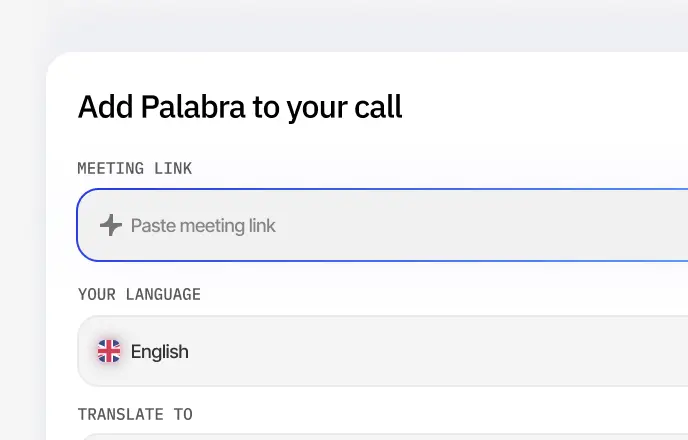
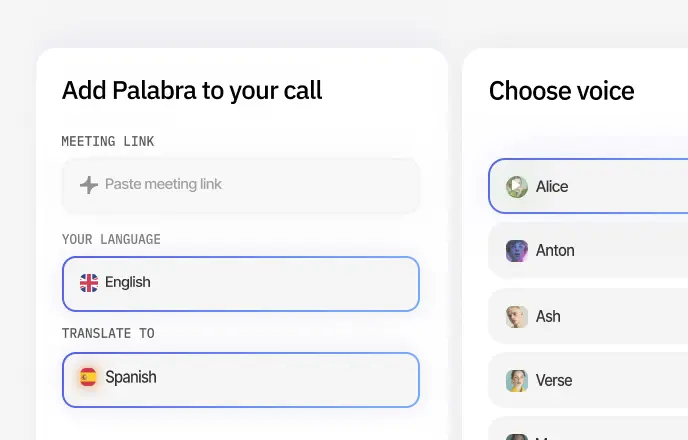
You paste the meeting link on our side. It shows up in the participant list, and from then on everyone just talks.
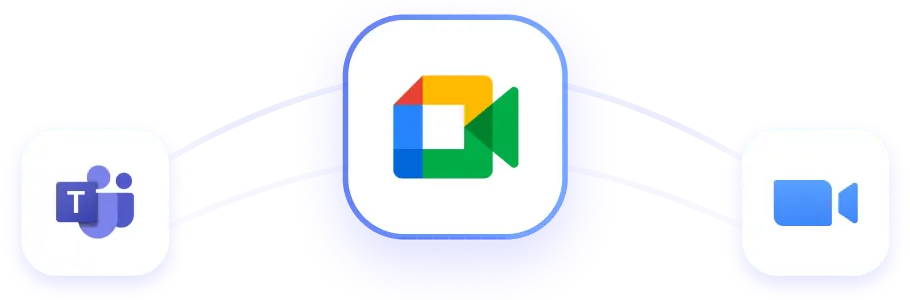
Everything happens inside your existing Google Meet call
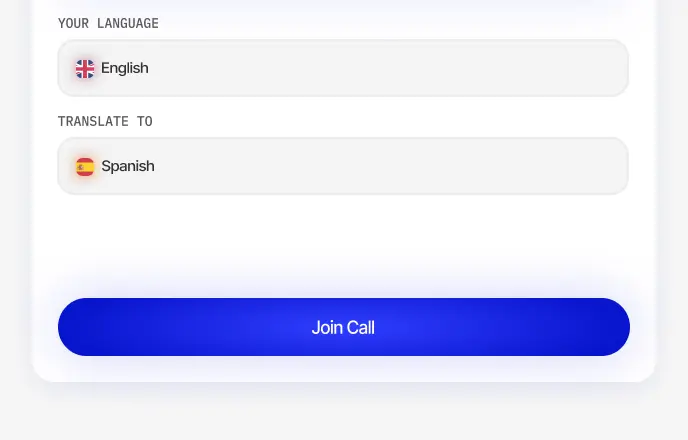
Two languages, one link, and everyone talks the way they normally would.
Under a second of delay
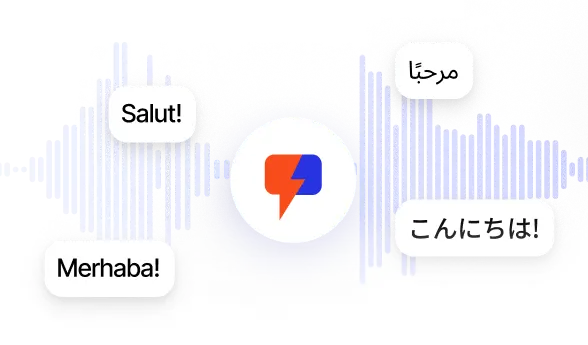
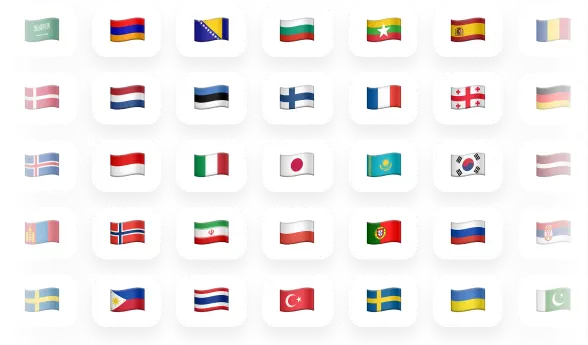
60+ languages
Your calls stay private

Your Google Meet calls in your customer’s language
Why user choose Palabra.ai

We used Palabra during a recent metaverse event hosted on Walcon Virtual, and it added great value to the experience. The live translation helped us reach a broader audience and made the event more accessible

We used Palabra.ai for a webinar and it worked really well. The host was speaking Spanish and we listened in English with no delay. There is almost no setup, it was super quick and everything ran good.


“We like Palabra interpretation as either in Chinese or English, the translated speech is more concise and coherent, making it easier to either read or listen to. Also, Palabra is able to detect language change and yield corresponding interpretation. This is good if we use it during a fireside discussion.”
Fast setup, easy to use

“At EventLabs, we rely on Palabra for real-time translation during conferences and live events. Among all the solutions we’ve tested, Palabra stands out with the highest translation quality and the lowest latency by a significant margin. The platform’s speaker autodetection, differentiating between male and female voices and adapting translations in real time, has noticeably improved the listener experience. For us, Palabra is setting the benchmark for event translation technology.”
Integrated into our customer support platform

We used Palabra translator in our call center for partner calls in European languages like Spanish, French, and German, especially when the other side didn’t speak English. It helped us handle difficult language pairs and made rental deposit confirmation calls faster and more successful. The glossary feature was a big plus for our jargon, keeping translations accurate and natural.
How it works
Six Google Meet calls teams run with it
Questions people ask before their first call
In our April 2026 internal benchmark our speech recognition averaged a 2.4% word error rate across eight languages - 31% lower than the next-best system we tested. Add a glossary with your product and brand names and those stay right too.
Works the same. You paste the link you were sent. Outside the host’s Workspace domain the Agent asks to join, and the host clicks Admit like for any other guest - it appears in People as “Palabra Agent”. Worth a line in the invite so nobody is surprised by it.
Neither. The Agent joins through the meeting link the way a guest would. No Workspace admin rights, no add-on to install, no extension, and nothing for the other side to click.
Yes. Attendees open a link, choose a language, and listen or read. It holds for large calls where each person picks a different language.
Under a second between you finishing a phrase and your guest hearing it. Short enough that nobody starts waiting for their turn.
It is processed in memory and never written to our servers. We are GDPR-compliant, ISO 27001-certified and HIPAA-compliant. For enterprise, servers can be deployed in your own region.
Seven days of meeting translation, so you can run a real Meet call with a real client before deciding. You do enter a card to start the trial, and you can cancel it from your account at any time.
Yes, on the same subscription and with the same settings. Paste a Zoom or Teams link instead of a Meet one.
Flat monthly plans, each with an included number of translation hours. You pick the tier that matches how much you actually talk - the trial gives you enough to work that out before choosing.
Your next Google Meet call in two languages

.avif)