Live AI translation and captions for in-person events

Reach every guest at your next event in their own language — no interpreter booths, headsets, or app downloads. Attendees scan a QR code, pick their language, and listen or read on their own device.
Trusted by 
60+
Languages
98.6%
Accuracy
<1s
 Latency

Why Palabra

Less hardware to manage
No receivers to source, hand out, charge, or sanitize. No booths to set up, no extra cables to run.
More languages, fewer teams
Keep every selected language available all day, without scheduling interpreter rotations.
Significantly lower cost
Reduce translation costs by up to 85% compared with a traditional interpreter setup.

Built for multilingual events on-site
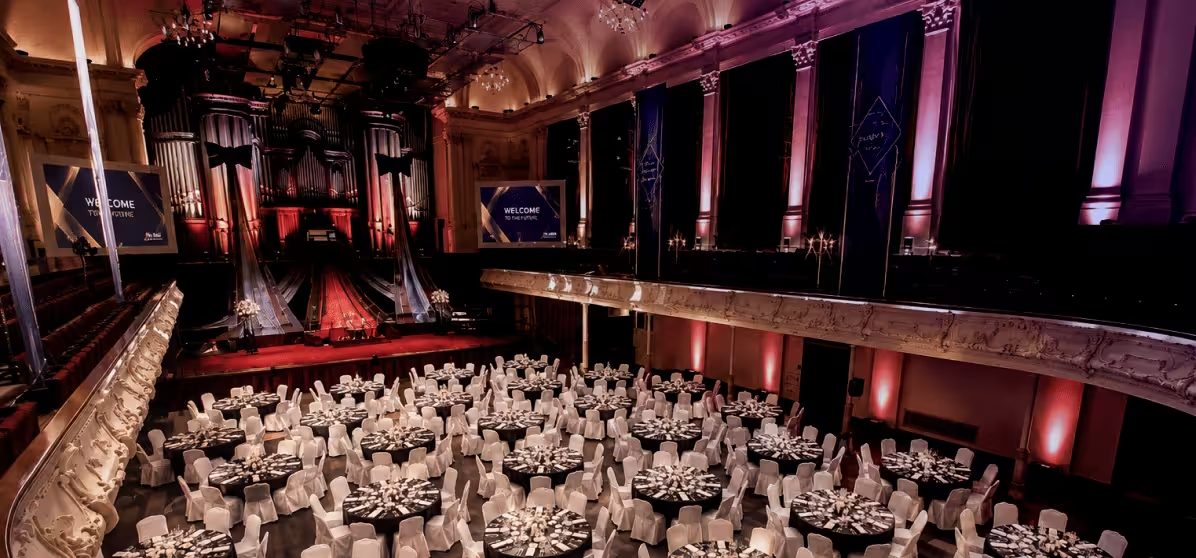
Conferences & summits
Language auto-detection keeps up even when speakers and languages switch on the fly.
Corporate events & town halls
Custom glossaries keep product names and internal terms accurate in every language.
Government & institutional events
Privacy, accessibility, and clean delivery for protocol-sensitive rooms.
Private presentations & launches
Word-for-word accuracy and full privacy where both are non-negotiable.

Core features

Easy attendee access
QR + browser. No app, no account, attendees' own devices.
Accuracy & context
Custom glossaries, language auto-detection, and code-switching between languages.
Live delivery
Sub-1s latency, speaker diarization, simultaneous audio + captions.
Privacy & compliance
Zero data retention, encrypted audio and translation, ISO 27001 + GDPR.

Bring live translation to your next event

Set it up yourself, or get our support with preparation.

Proven on-site

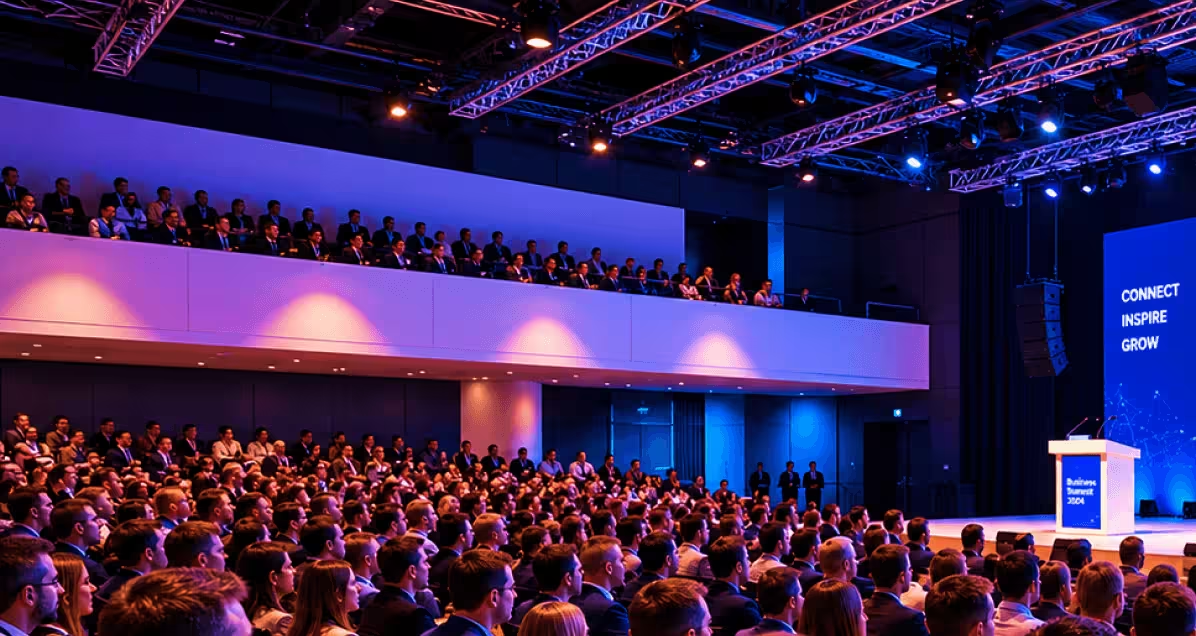
Palabra.ai detects language change and gives the matching interpretation — great for a fireside discussion." 
300
in-person delegates
1-day
business symposium
English
Mandarin Chinese
Delegates watched live captions on their phones, while the main screens and sound stayed uncluttered." 
300
participants
1-day
governance summit
Dutch
English
A security tech company ran a private product presentation in two languages. Guests scanned a QR code and listened to speakers in their own language." 
40
in-person global participants
1-day
chamber business event
English
Brazilian Portuguese

Live in four steps — on the AV you already have

1
Connect to your event audio.
Plug into the microphones, mixer, or sound system already in place. No new hardware required.
Click "Translate Meetings"
2
Configure languages and terminology.
Select output languages and upload a custom glossary for industry-specific terms.
Click "Translate Meetings"
3
Share a QR code.
Attendees scan, choose their language, and open translation in their browser — no app, no account.
Click "Translate Meetings"
4
Translation goes live, with under 1 second of latency.
Guests listen or read in their language, on their own device.
Click "Translate Meetings"

Ready to run your next event in multiple languages?

Tell us your format and languages — we'll walk you through the right setup and pricing.

FAQ

How do attendees access translation during the event?

Attendees scan a QR code or open a browser link on their own device. They choose their language and follow the session with live translated audio, captions, or both.

Do guests need to download an app?

No. Palabra.ai works through a web browser, so guests do not need to install an app or create an account before joining.

What setup do we need on-site?

Palabra.ai connects to your event audio source, such as microphones, a mixer, a laptop, or your existing AV setup. You also need a stable internet connection for real-time translation.

Do we need interpreter booths, receivers, or headsets?

No dedicated attendee hardware is required. Guests can listen or read on their own phones, tablets, and earphones. Your team does not need to source, distribute, collect, charge, or sanitize receiver devices.

How many languages can we support?

Palabra.ai supports 60+ languages and dialects. Your team can choose the languages needed for each event, session, or audience group.

Can Palabra.ai handle panels, roundtables, and Q&A?

Yes. Palabra.ai supports live spoken sessions, including panels, roundtables, interviews, and Q&A. Speaker diarization helps detect speaker changes, so the audience can follow who is speaking.

Can we add event-specific terminology?

Yes. You can upload a custom glossary or work with the Palabra.ai team to prepare one. This helps improve translation for brand names, speaker names, product terms, industry language, and technical vocabulary.

What latency should we expect?

Palabra.ai is built for live event translation with under-one-second translation latency, so translated speech stays close to the live speaker.

Is event audio or transcript data stored?

No. Palabra.ai uses zero data retention. Audio is processed in memory and discarded after the session, with no stored post-event audio or transcript data.

Is Palabra.ai suitable for private events?

Yes. Palabra.ai is designed for corporate events, conferences, summits, private presentations, and institutional events where privacy, reliability, and clean attendee access matter.

Can Palabra.ai support hybrid events?

Yes. In-person attendees can access translation by QR code or browser link, while online attendees can follow through the event’s supported digital or streaming setup.

Does Palabra.ai translate slides, brochures, or printed materials?

No. Palabra.ai is focused on live spoken event translation. For slide decks, brochures, signage, or printed collateral, you would use a separate localization workflow.