AI-powered education translation services for schools and universities

4x cheaper than human interpreters, Palabra.ai delivers both translated live audio and captions with <1 sec delay and context-aware accuracy. Make your institution truly accessible for multilingual families and employees.

AI-powered education translation services for schools and universities

Why Choose Palabra.ai for Education Translation

Reduced legal and reputational risk

Reduced legal and reputational risk

Ensures accurate, consistent translation that supports language-access laws and inclusion standards.
Lower costs

Lower costs

Delivers reliable translation without the ongoing expense of human interpreters for everyday communication.
Built for real-world environments

Built for real-world environments

Performs reliably across multiple languages, accents and noisy settings where traditional tools fall short.
No added burden on staff

No added burden on staff

Removes the need for bilingual employees to translate outside their roles, reducing burnout and errors.
Clear communication
with families

Clear communication
with families

Helps multilingual families stay informed about learning, health and school life.

True multilingual accessibility
- finally within reach

Human-level quality at 4x lower cost

With our educational translation services, you pay only for what you use, not for staffing multiple interpreters. Meanwhile, the AI interpreter supports over 60 languages and never loses context or focus.

Always ready when you need interpretation

Palabra.ai offers 24/7 interpretation in 60+ language pairs. No need to request translations in advance or rely on 
low-quality tools.
Always ready when you need interpretation

Guaranteed accuracy

Palabra isn’t just word-for-word. It understands tone and remembers context. To guarantee education translation quality, every product update passes automatic benchmarks and a final review by professional human interpreters.
Guaranteed accuracy

Industry terms are always 
translated correctly

Glossary settings let you set custom term lists for precise, consistent translations. Our AI interpreter spots and translates them exactly as needed.
Industry terms are always translated correctly

Accurate in noisy environments

Palabra has built-in noise cancellation that blocks background sounds, ensuring clear and accurate speech.
Accurate in noisy environments

Offline and online interpretation

Palabra education translation services can translate your
meetings and events, whether they’re in person or virtual.

Common Palabra.ai use cases in education

Parent-school communication
Ensure accurate, on-demand communication whenever non-native-speaking parents interact with school staff.
Global student recruitment events
AI education translation during virtual campus tours and webinars allows colleges and universities to engage prospective students in multiple languages.
University research conferences
AI-powered hybrid interpretation helps universities host international research events that are more affordable and inclusive.
Professional development
AI education translation supports multilingual meetings and training, letting employees speak their preferred language and understand others in real time.

How Palabra.ai works
Easy setup and smooth integration with your tools
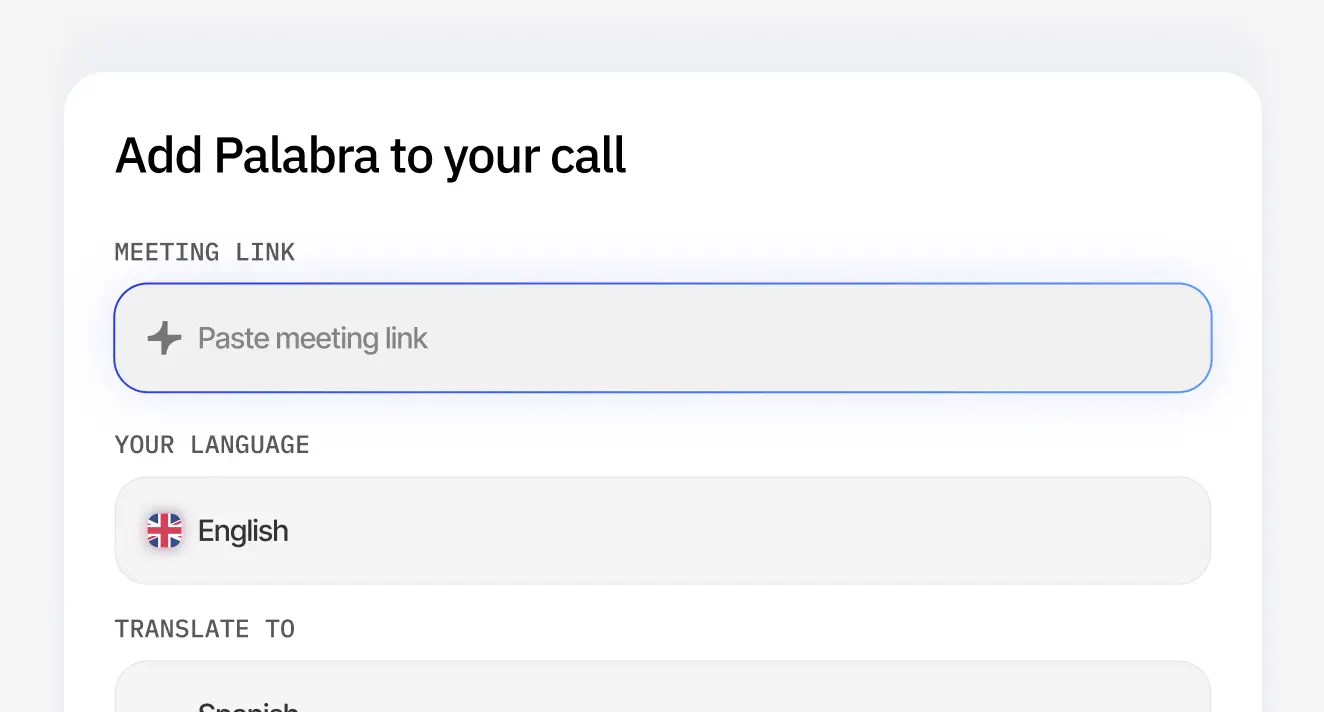
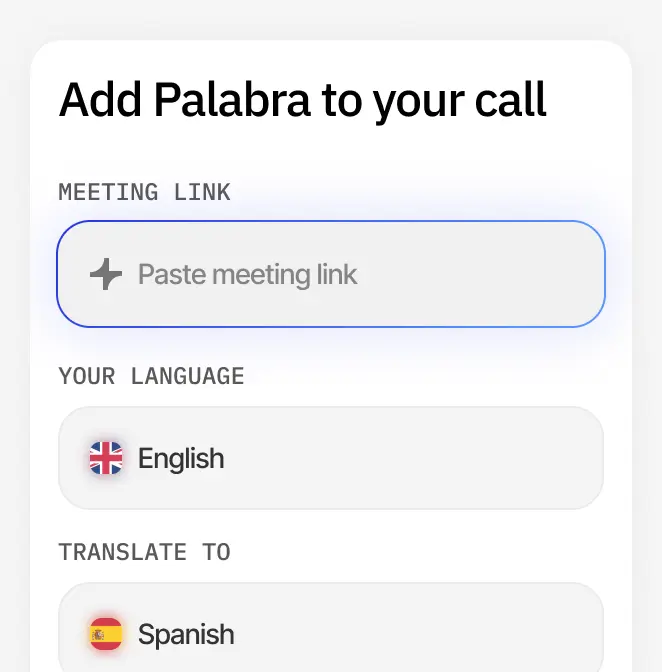
1

Add your meeting.
Paste a Zoom, Google Meet or Teams link.

Add your meeting. Paste a Zoom, Google Meet or Teams link.Add your meeting. Paste a Zoom, Google Meet or Teams link.
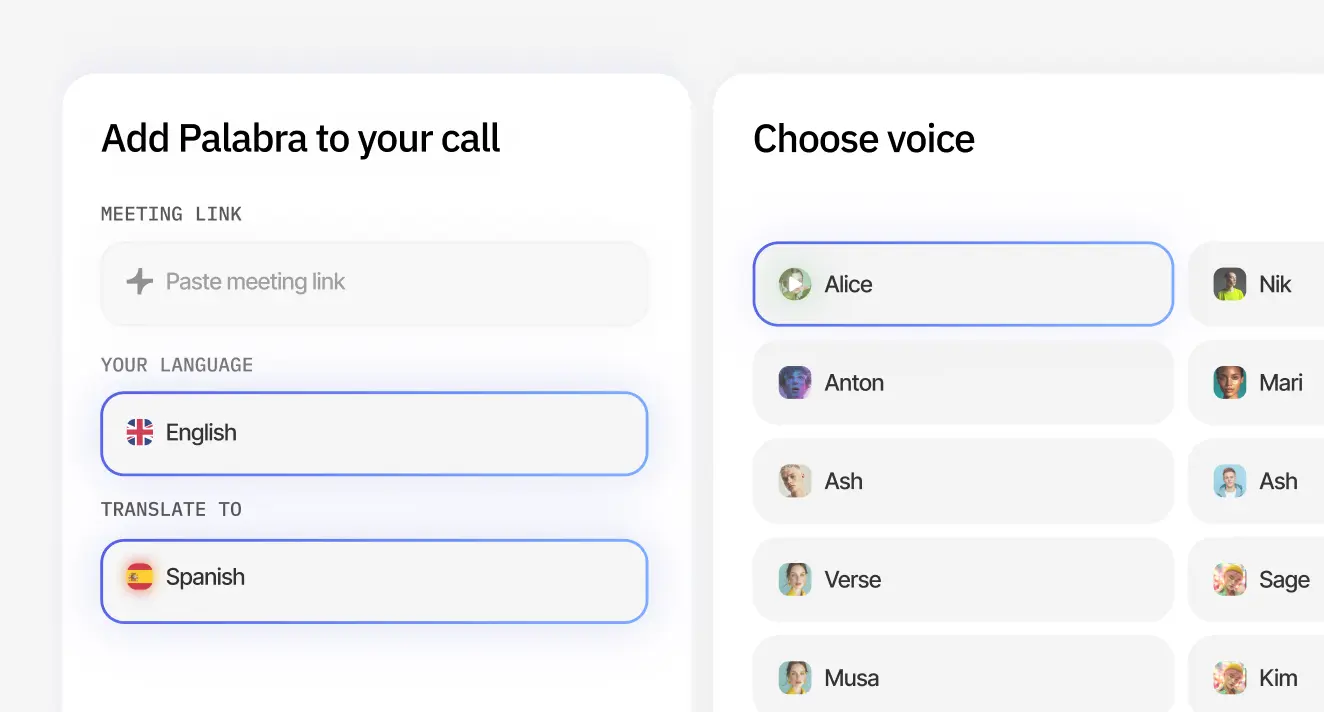
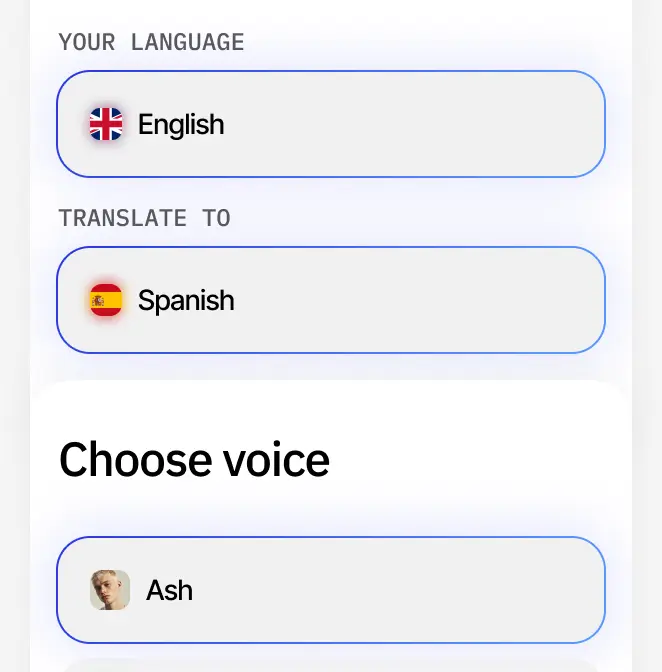
2

Choose settings.
Select the languages
and voice.

Choose settings. Select the languages
and voice.Choose settings. Select the languages
and voice.
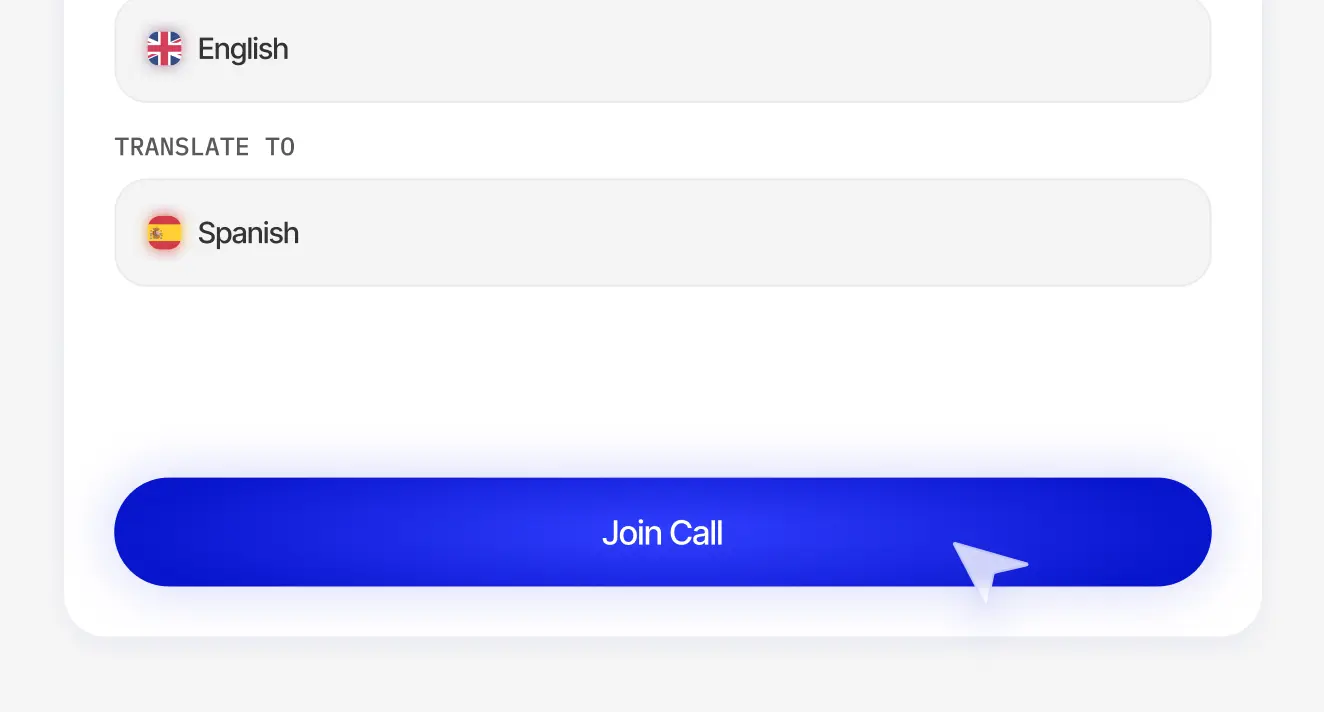
3

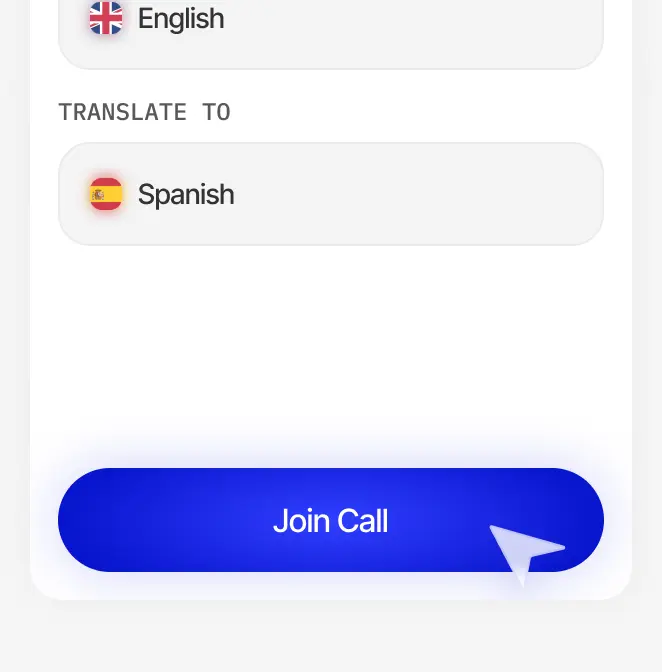
Join the call.
Simply click Join call 
to get started.

Join the call. Simply click Join call to get started.Join the call. Simply click Join call to get started.
1

Get the following ready:

A microphone or sound system connected to your device (laptop or tablet)
A Wi-Fi network
Streaming studio software like OBS
(it’s free)
Get the following readyGet the following ready
2

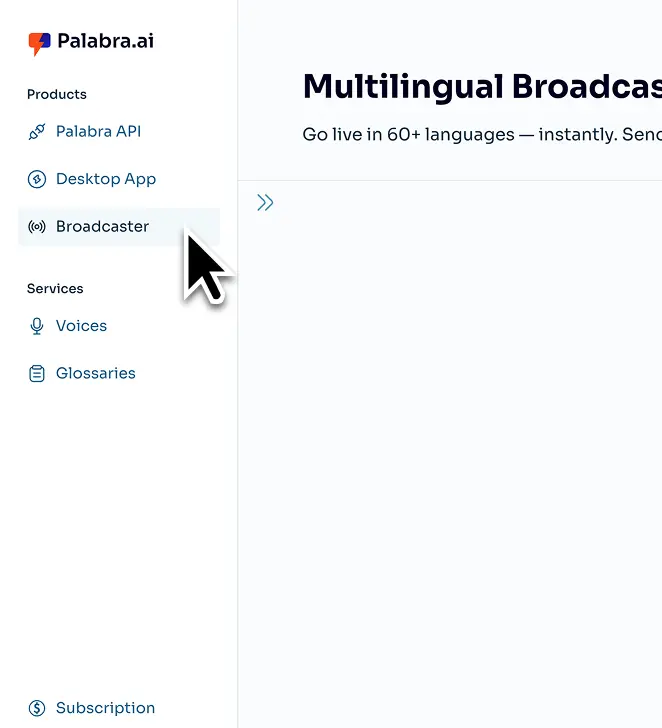
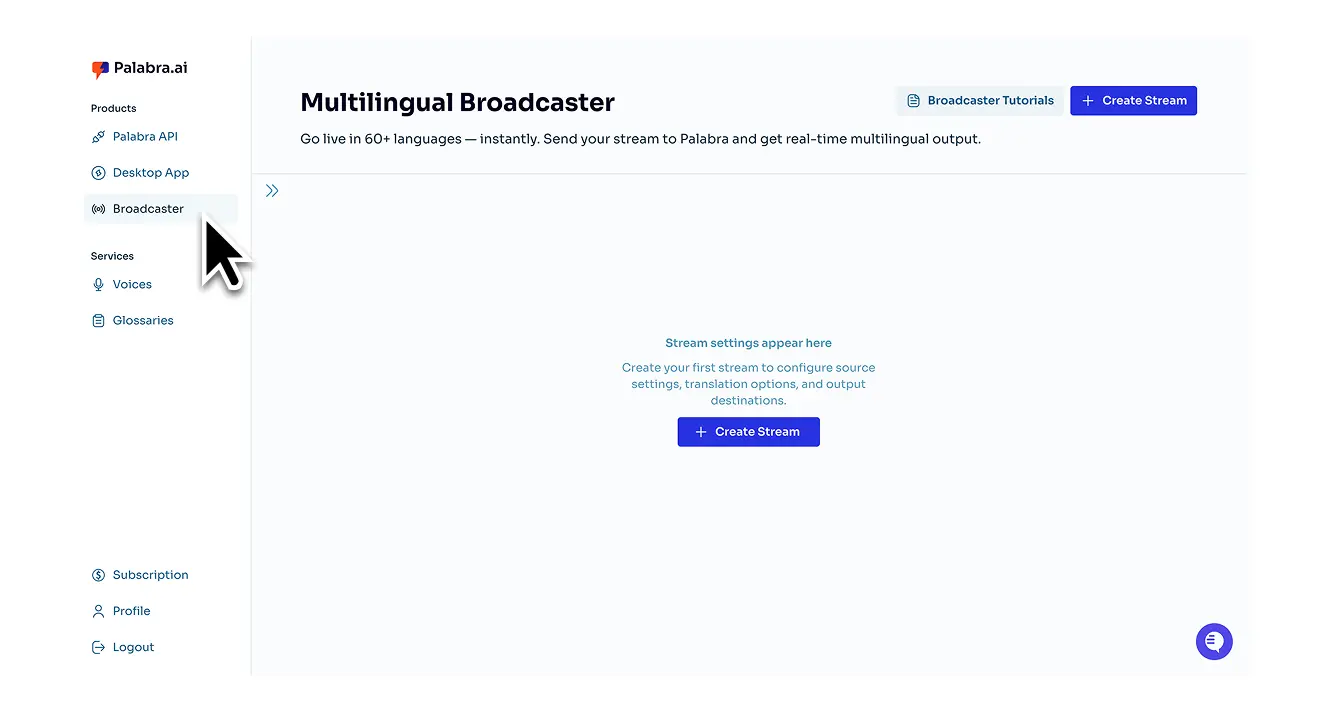
Sign up and open Palabra Broadcaster from your dashboard.

This brings up the main panel where you control input, output, and translation settings.
Sign up and open Palabra Broadcaster from your dashboard.Sign up and open Palabra Broadcaster from your dashboard.
3

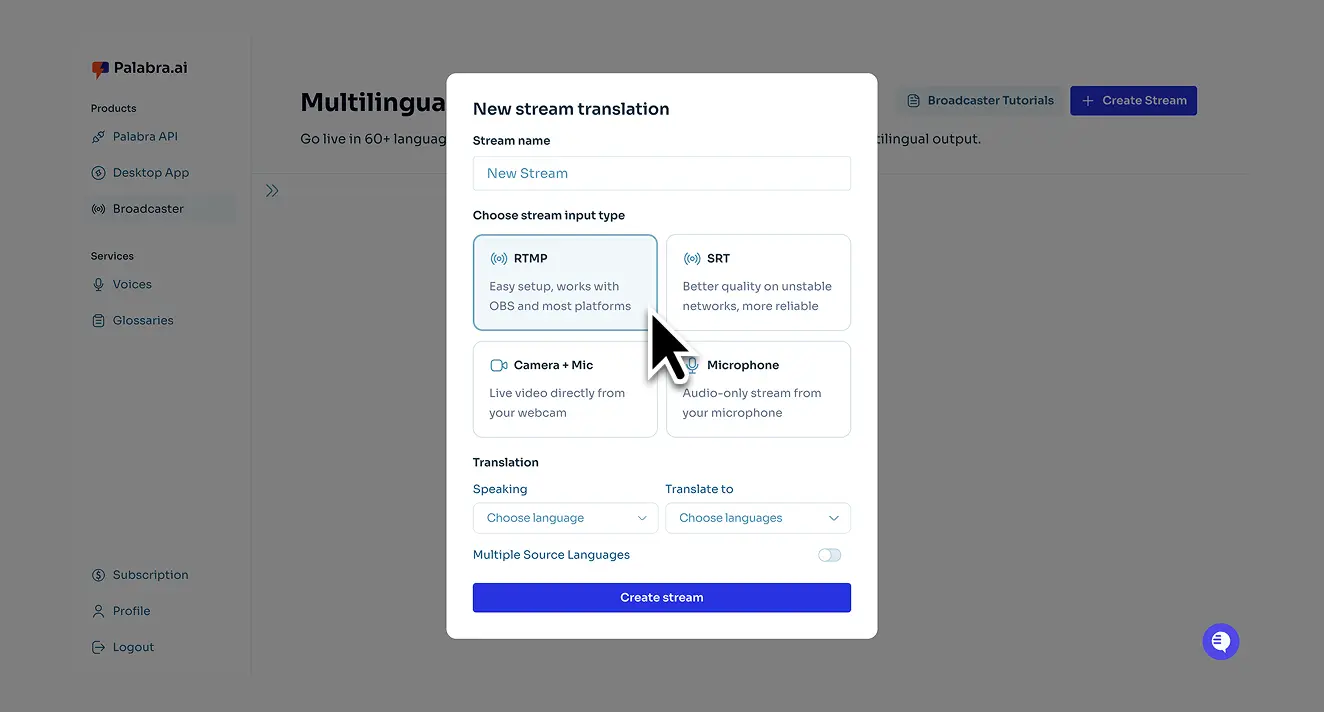
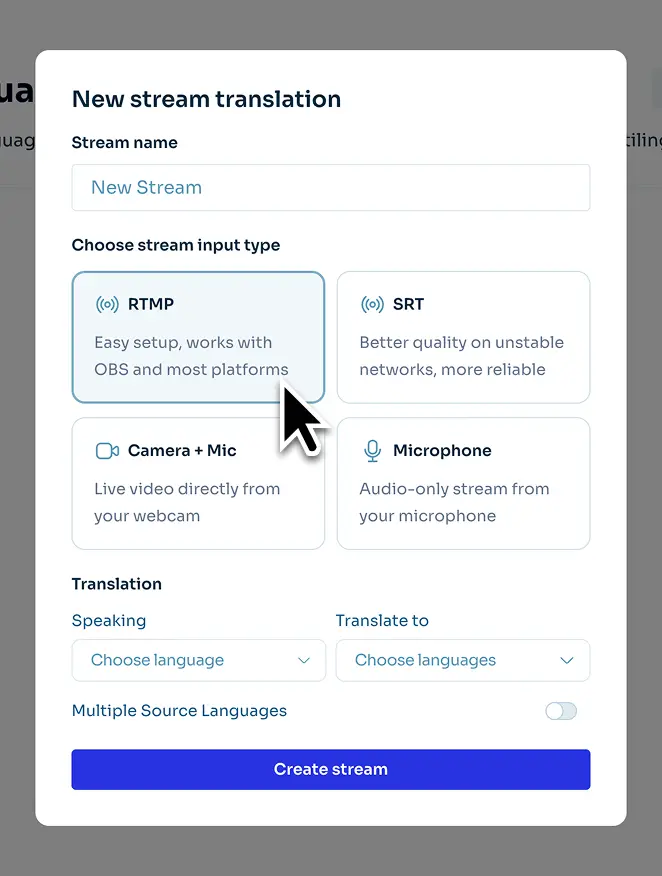
Choose the input protocol based on your streaming studio.

Choose the input protocol based on your streaming studio.Choose the input protocol based on your streaming studio.
4

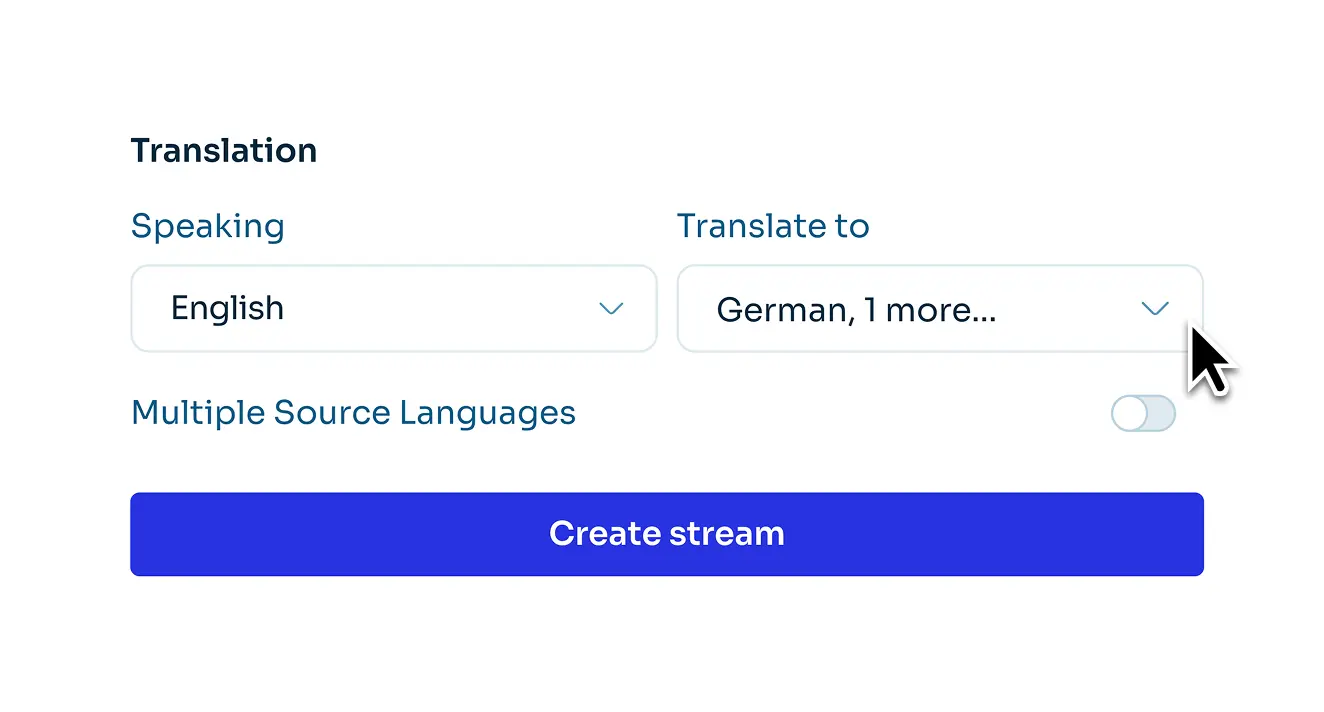
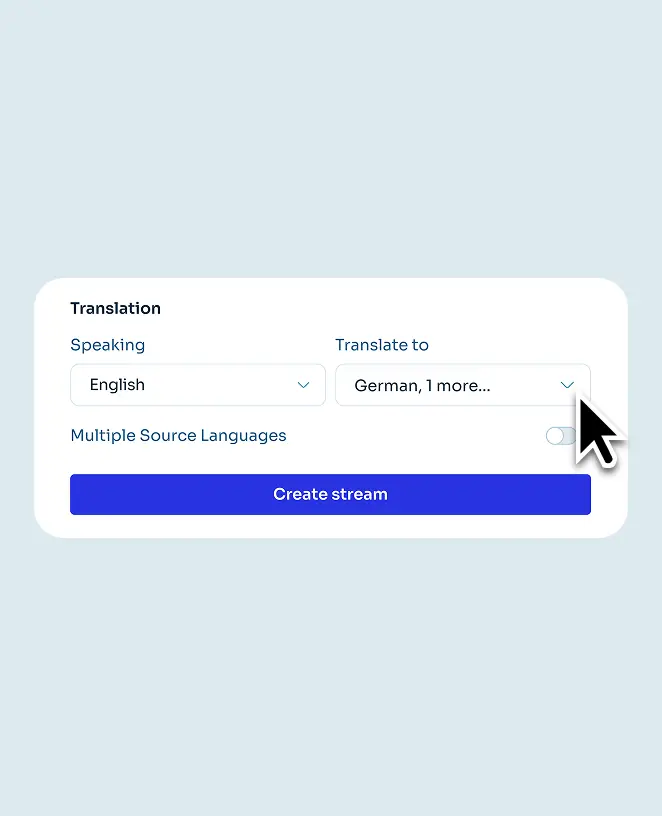
Select your input and output languages.

You can translate your stream into up to 10 languages.
Select your input and output languages.Select your input and output languages.
5

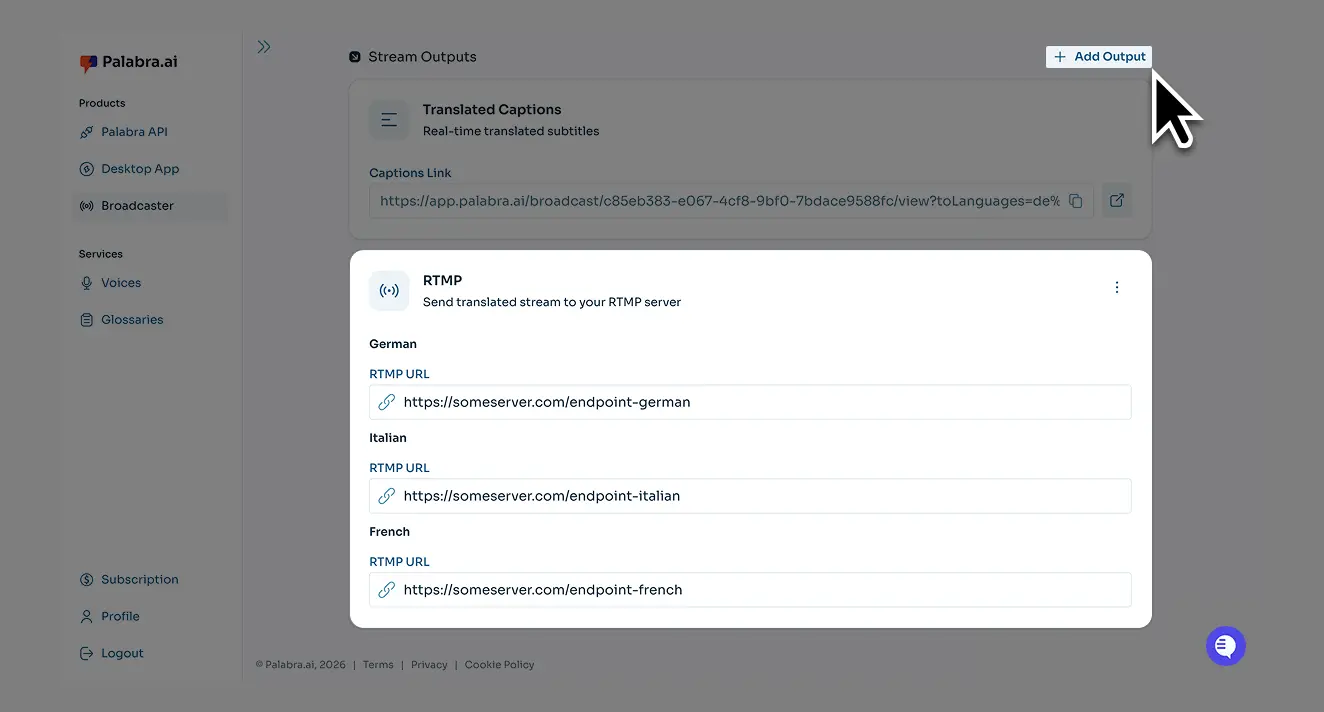
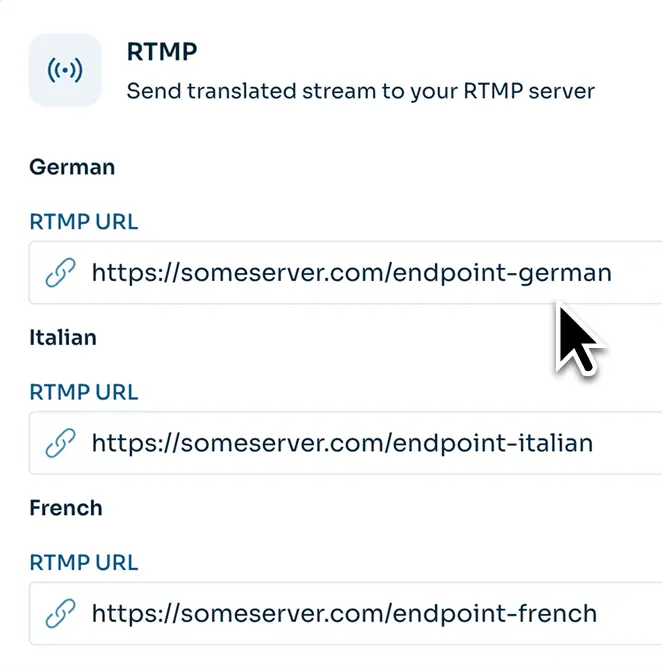
Set the output endpoint.

This is the address where your streaming software sends live audio or video for Palabra to translate.
To offer multiple languages in one player, choose SRT. Note: Only a few players support SRT, e.g., Castr.
Set the output endpoint. Set the output endpoint.
6

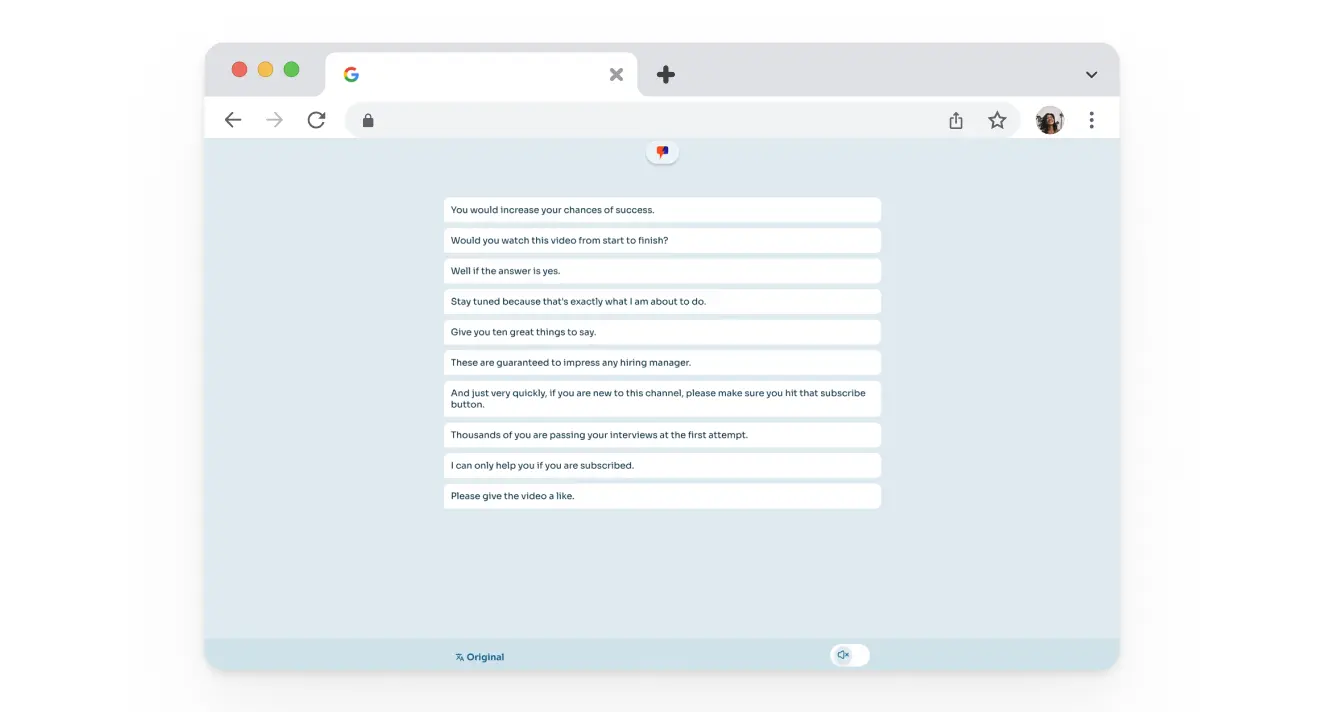
Access the translation.

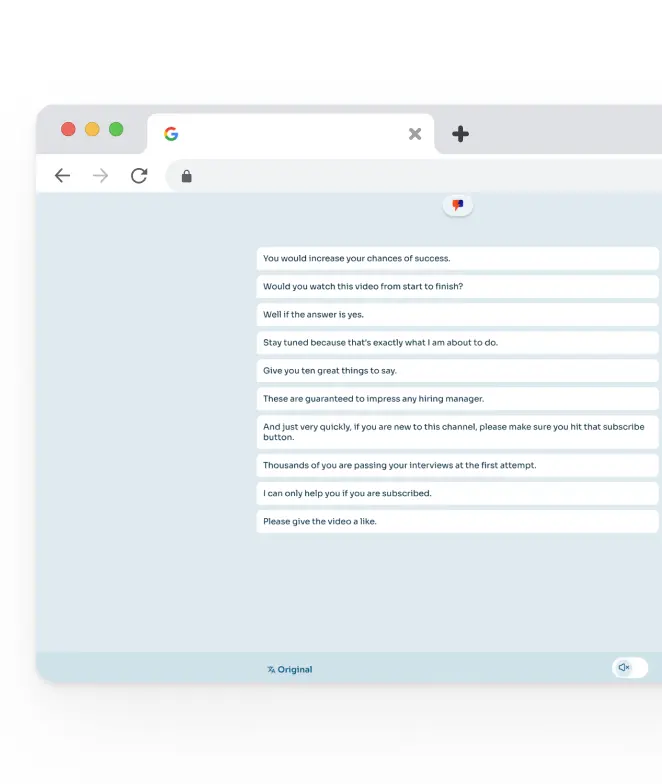
Palabra provides a dedicated website where users choose their language and follow live via audio or captions.
Access the translationAccess the translation
7

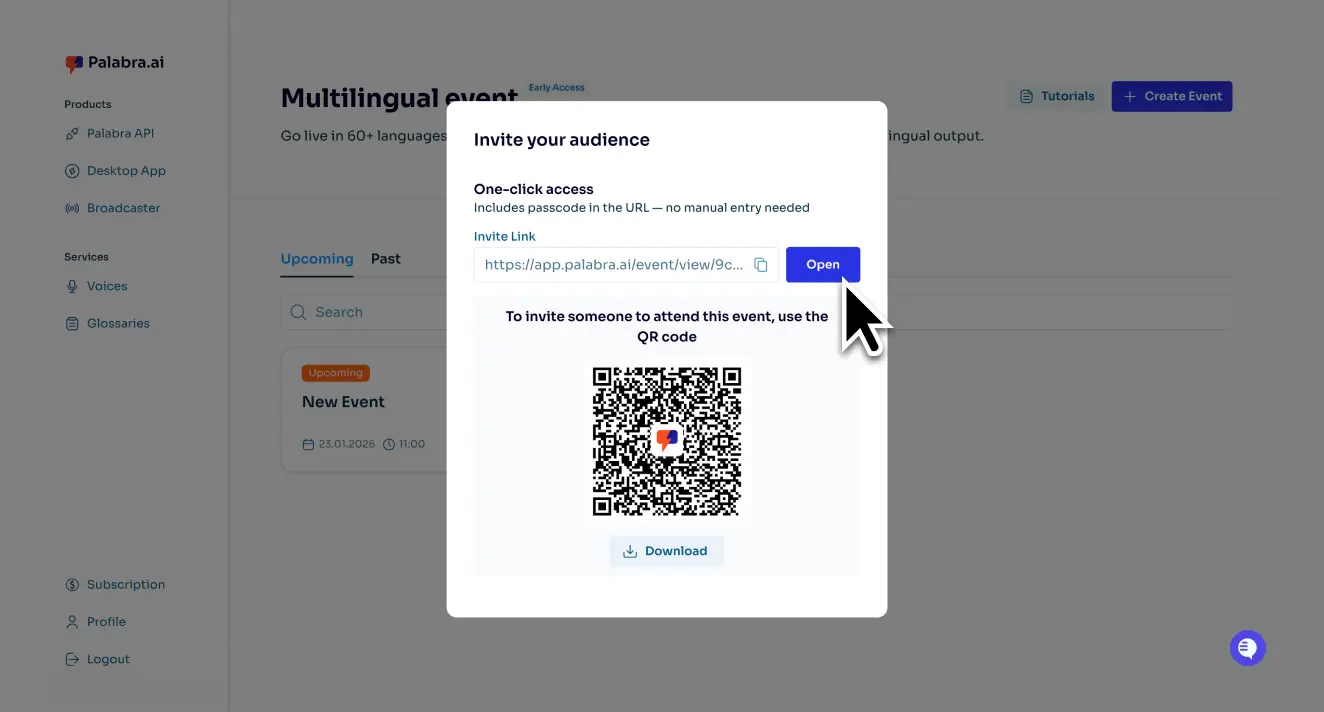
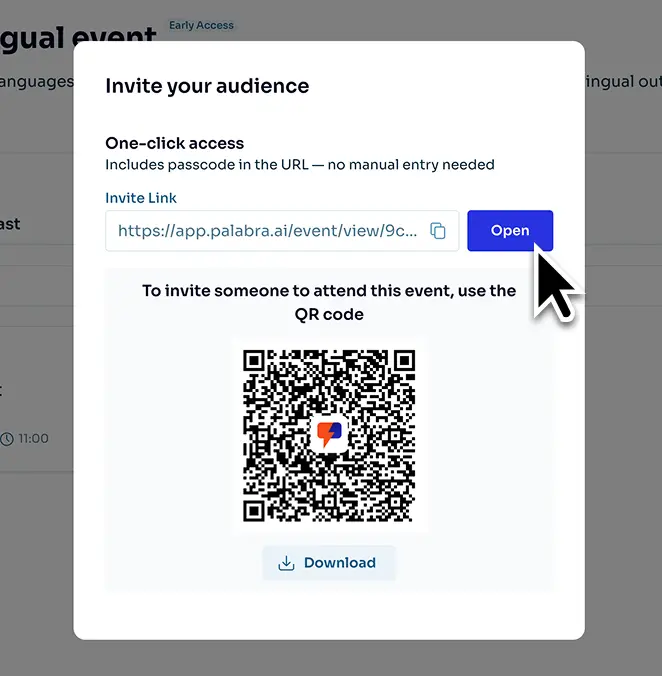
Your team shares a QR code or link for translation with the attendees.

For offline events, you can display it on a screen or print and place it around the venue.
Your team shares a QR code or link for translation with the attendees.Your team shares a QR code or link for translation with the attendees.
Try a free plan with 30 minutes of education translation each month

Palabra.ai is the technology 
you can rely on

Security

Each education translation is encrypted and never stored, meeting the highest privacy standards for educational institutions.
Security

Smooth interpretation, even with limited connectivity

With just 10–20 Kb/second bandwidth, Palabra keeps translations running smoothly without slowing down your broadcast.
Smooth interpretation, even with limited connectivity

Use live chat to reach support anytime, 24/7

Enterprise customers 
get a dedicated manager and a technician for each meeting or webinar.
Use live chat to reach support anytime, 24/7

Feedback from institutions using Palabra.ai education translation services

Equity Director
Equity Director

“Palabra transformed how we connect with multilingual families. Parents felt included for the first time, and our staff loved how easy it was to use.”

Student Affairs VP
Student Affairs VP

“We used Palabra for graduation ceremonies and board meetings - it was fast and accurate. Families told us it was the first time they could follow everything live without missing a moment.”

Find the right plan for your institution

Free
Test mode
$0
30 min
per month
Try for free
Basic
For 1 event or several small meetings per month
$50
60 min
per month
Get started
Pro
For several events and multiple meetings per month
$250
300 min
per month
Get started
Enterprise
For multiple multilingual lectures, workshops, meetings, and events
Custom
Hours
per month
Contact us

Answers to all your questions

How does real-time AI speech-to-speech translation work for classrooms and lectures?

Real-time AI speech-to-speech translation uses Palabra's proprietary Large Language Model (LLM) to instantly transcribe and translate spoken content into over 60 languages with context-aware accuracy and <1 second of delay. In lectures, this allows professors to teach in their native language while students listen to or read instant translations on their devices.

Can Palabra be used for both in-person and online classes?

Yes, Palabra is designed to be used for online, in-person, or hybrid classes, meetings, and events.

Does Palabra require students to install an app or special software?

Generally, no. For audience members or students viewing a one-to-many stream or lecture, no special app is needed; they access the translation (audio or captions) via a web browser on any device. Two-way education translation works a bit differently. If you need more than two participants, contact our team to set it up and keep things simple for everyone.

Can teachers and administrators create custom glossaries for academic terminology?

Yes. Palabra offers Glossary settings that allow users to define custom term lists to ensure that specialized academic and industry terminology is translated precisely and consistently.

How reliable is Palabra with limited internet connectivity?

Palabra is reliable even in challenging locations. The solution is built for live streaming and maintains smooth translations using minimal bandwidth, requiring only 10–20 Kb/second.

Is Palabra a cost-effective alternative to human interpreters in education?

Yes. Palabra is 4x cheaper than human interpreters. Institutions pay only for what they use, rather than staffing multiple interpreters.

Does Palabra integrate with platforms like Zoom, Teams, or YouTube Live?

Yes. The Palabra desktop app easily integrates with video conferencing platforms like Zoom and Microsoft Teams by setting "Palabra Microphone" and "Palabra Speaker". 

The Palabra Broadcaster solution is compatible with streaming platforms like YouTube Live via the RTMP protocol.

How does Palabra improve accessibility for non-English speaking students and parents?

Palabra delivers on-demand real-time education translation via audio and captions in 60+ languages.