Google Meet AI translation for video calls

Add our AI bot to Google Meet in a few clicks. Get natural, context-aware speech-to-speech translation in Google Meet with <1 sec delay across 1000+ language pairs.

Translate Google Meet calls with our AI bot ー no language or platform limits

Access 60+ languages
Translate in over 60 languages. Can’t find yours? Contact us, and we’ll work on adding it.
Translate speech from noisy environments

AI bot includes noise cancellation, so background noise won’t block accurate interpretation.
Interpret tone and meaning
Our AI bot captures tone and tracks context. We can do this because we handle the entire AI interpretation process ourselves, not through stitched-together third-party systems.
Get support whenever you need it
Use chat to reach support anytime, 24/7. Enterprise customers get a dedicated manager and a technician for each Google meeting or webinar.
Integrate with platforms beyond Google Meet
You can add our AI bot or use our desktop solution to join meetings and webinars on other platforms just as easily. Enjoy true cross-platform freedom!
And more!
Hear a clear interpretation even with limited connectivity

The AI bot delivers uninterrupted translation with only 10–20 Kb per second.
Get accurate translations for industry terms
If you need precise and consistent translations, use the Glossary settings in our desktop app to define custom term lists and get accurate translations every time.
Keep your data secure
We encrypt every conversation and never store your data, ensuring full confidentiality.
No app needed
Set up our AI bot in your browser and add it to your Zoom meeting. For Zoom webinar translation, viewers just open our link, pick their language, and listen or read the interpretation.
Use human voices
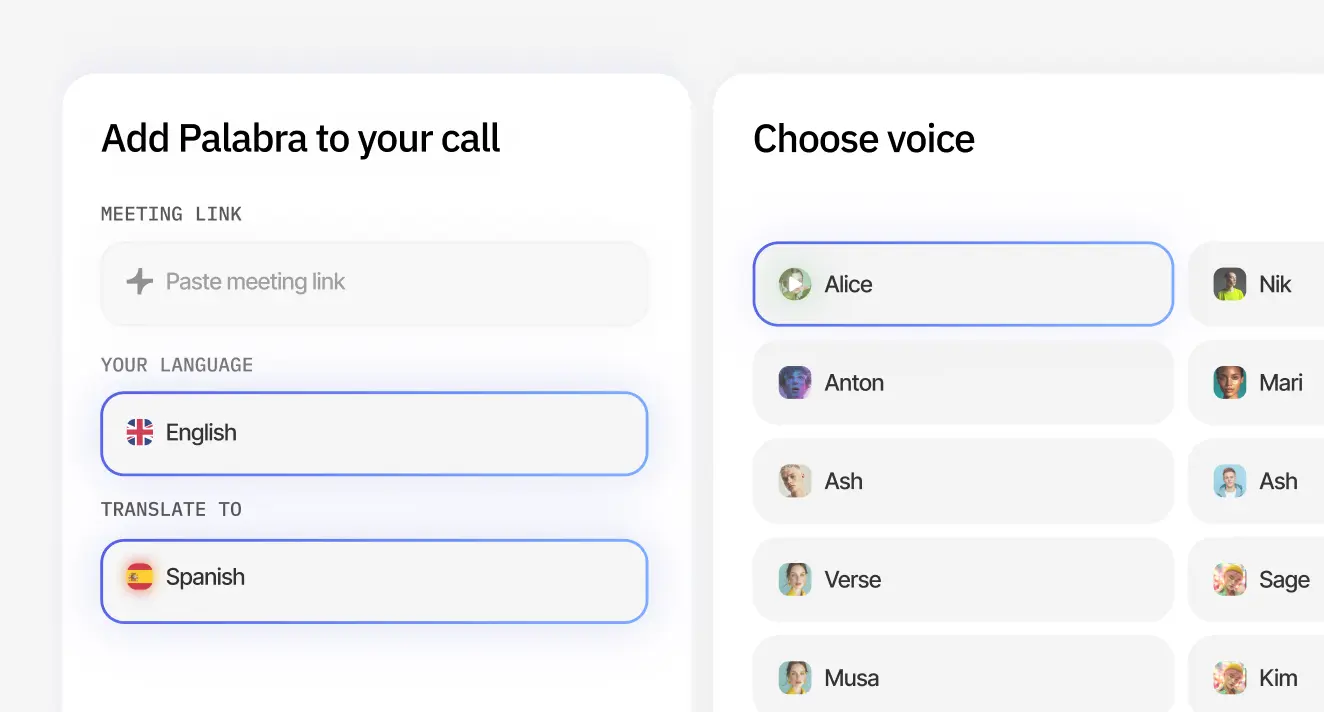
No robotic voices – clone your own or choose from ours, modeled after professional interpreters.
Access 60+ languages
Translate in over 60 languages. Can’t find yours? Contact us, and we’ll work on adding it.
Exceed human-level quality at 4x less cost
Make last-minute changes without stress. Skip the hassle of managing interpreters. Add long-tail languages with one click. Get 24/7 interpretation with no fatigue or context loss. And only pay for what you use.
Interpret tone and meaning
Our AI bot captures tone and keeps track of context. We can do this because we handle the entire AI interpretation process ourselves, unlike systems that rely on stitching together multiple third-party services.
No app needed
Set up our AI bot in your browser and add it to your Zoom meeting. For Zoom webinar translation, viewers just open our link, pick their language, and listen or read the interpretation.
Get accurate translations for industry terms
Glossary settings let you set custom term lists for precise, consistent translations across languages. Our translator spots and interprets them exactly as needed.
Translate speech from noisy environments
AI bot includes built-in noise cancellation, so background noise won’t get in the way of accurate speech interpretation.
Get support whenever you need it
Use chat to reach support anytime, 24/7. Enterprise customers get a dedicated manager and a technician for each meeting or webinar.
Keep your data secure
We encrypt every conversation and never store your data, ensuring full confidentiality.
Identify each speaker and voice them separately
We use AI diarization to detect who speaks and assign a unique or cloned voice. This makes each speaker sound distinct when you translate a Zoom webinar.
Use human voices
No robotic voices – clone your own or choose from ours, modeled after professional interpreters.
Integrate with platforms beyond Zoom
You can add our AI bot or use our desktop solution to join meetings and webinars on other platforms just as easily. Enjoy true cross-platform freedom!
And more!

How it works on page demo

Stop Struggling with Google Meet's built-in AI speech-to-speech translation

Google Meet infrastructure dependence

Switch from Meet to Zoom or Teams, and the translation layer disappears. Every new platform means you rebuild the translation setup from scratch.

AI bot works everywhere, so your translation stays consistent across all platforms.

Limited language choice

For now, you can translate your Google meeting only between English and 5 other languages. It means no way to use the feature, if you need Spanish → German, for example.

Supports 60+ languages, so any language pair works seamlessly.

Network-quality drift 

Shaky Wi-Fi throttles translation accuracy — words warp or drop.

Our AI bot maintains translation quality even on unstable networks.

Regional and device lock-out

The feature isn’t available in some countries and is completely missing on the mobile Meet app, so part of the audience is left out.

Works globally on all devices, so everyone can participate.

How to set up live translation for Zoom meetings and webinars with our AI bot

Try a free plan with 30 minutes of
translation each month

Common use cases for our Google Meet AI translator
Cross-border team collaboration
Make sure every team member can express ideas clearly and follow discussions in real time. This speeds up communication and helps you avoid costly mistakes.
Customer support
Support customers in their native language without changing tools or workflows. Build trust, reduce misunderstandings and improve resolution times.
Learning & development
Translate every live session into employees’ native languages to boost engagement, clarify complex concepts, and reduce mental strain.

Customer feedback on our translation services for Zoom meetings

VP Operations

“We use the AI bot every week now. It cut our call setup time in half because we no longer coordinate with human interpreters. Our confidential calls stay tight. Only the core team joins. The bot made cross-border work feel simple.”

Global Sales Team

“I tested many AI translators before and all of them felt slow or robotic. The bot gives near instant output and keeps each call natural. I now talk to my business partners in Italy and each of us speaks our own language without effort. It feels like a small preview of the future. This bot made remote life comfortable.”

Choose your plan

Free
For testing on short webinars
$0
30 min
per month
Try for free
Basic
For monthly international webinars
$50
60 min
per month
Get started
Pro
For weekly international webinars
$250
300 min
per month
Get started
Enterprise
For tailored solutions and personal support
On-premises solutions
Custom
Hours
per month
Contact us

Answers you might need

What does “AI translation in Google Meet” mean?

AI translation in Google Meet is a feature that converts speech in your calls into 60+ languages and returns the translated voice back instantly while preserving tone, context, and emotion.

How does your real-time AI translation work for meetings?

Our AI listens to meeting audio, transcribes it, translates it to your chosen language, and delivers high-quality translated audio or captions in real time.

Is there latency in Google Meet real-time translation?

Our tech achieves <1 sec latency. You get smooth, natural conversations with no noticeable delay.

Does everyone need a Google Meet AI translator installed?

No. For both hosts and participants, everything configures and runs in the browser.

Can I use Google Meet AI translation with multiple speakers?

Yes. But for now you can only translate between 2 languages per Google meeting. If you regularly need more languages per call, contact us, and we’ll discuss a custom solution.

How many languages does AI translation in Google Meet support?

We support 60+ languages, including Spanish, French, Chinese, Arabic, German, Japanese, Portuguese, and more for your Google Meet translation needs.

Does Google Meet live translation bot work for recorded meetings?

No, our AI bot is only for real-time translation.

Is AI translation in Google Meet secure?

We encrypt every conversation and never store your data, ensuring full confidentiality. For enterprise customers with advanced security needs, we also support deployments in private clouds or on-premises environments.

What’s better for Google Meet calls: an AI translator or professional
interpreters?

AI translation works better for most Google Meet calls if you need many languages, fast setup, low cost, and stable accuracy. It delivers a <1-second delay and scales with one click.

Human interpreters work better for high-stakes calls where emotional nuance matters more than scale or budget.

How quickly can I set up the Google Meet AI translator?

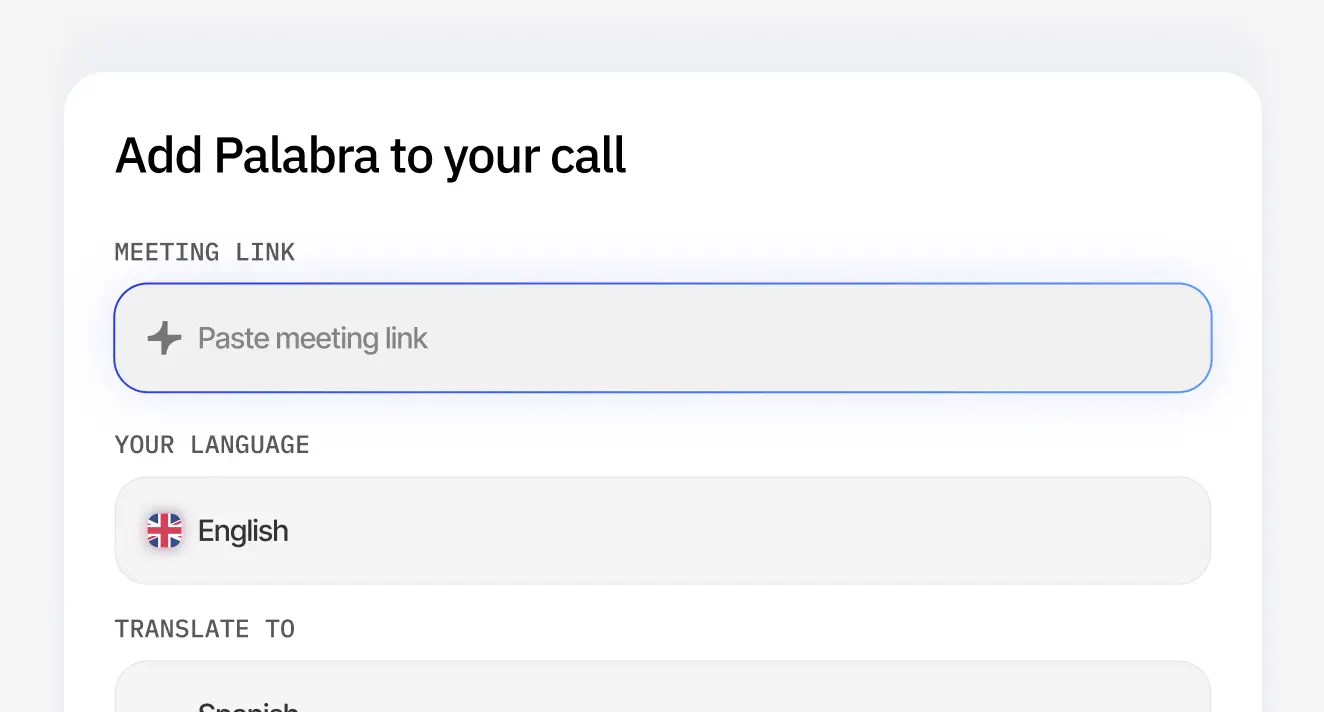
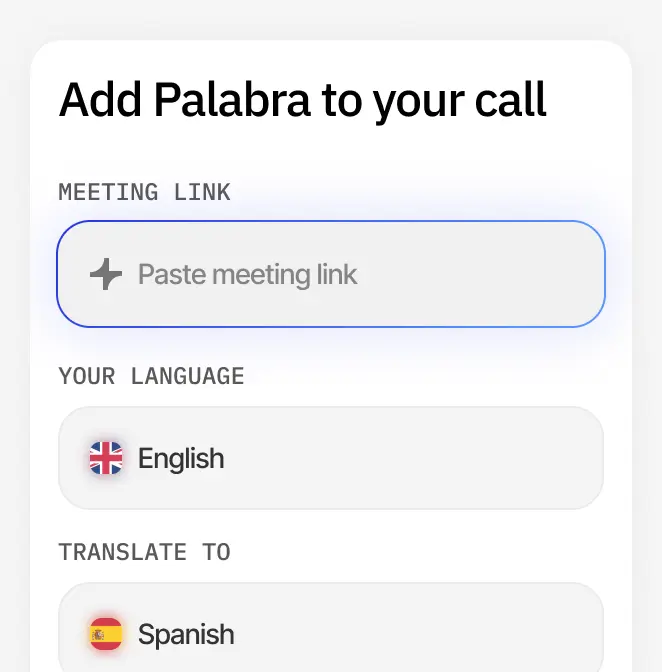
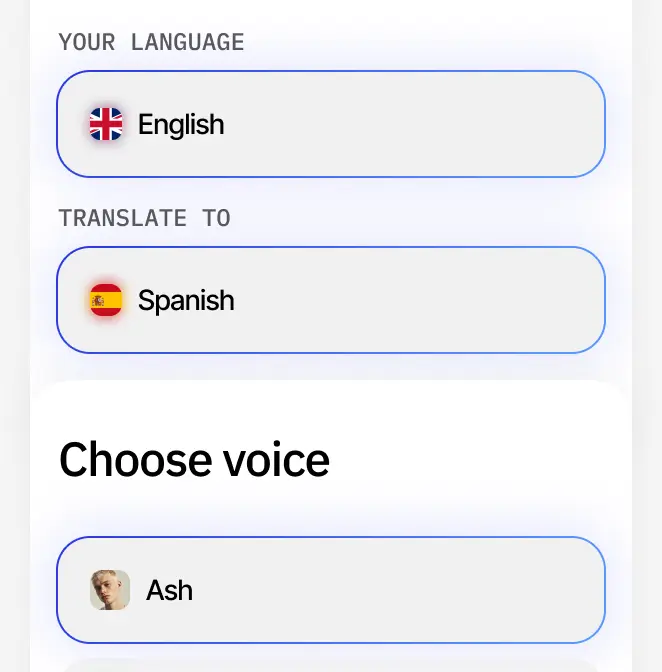
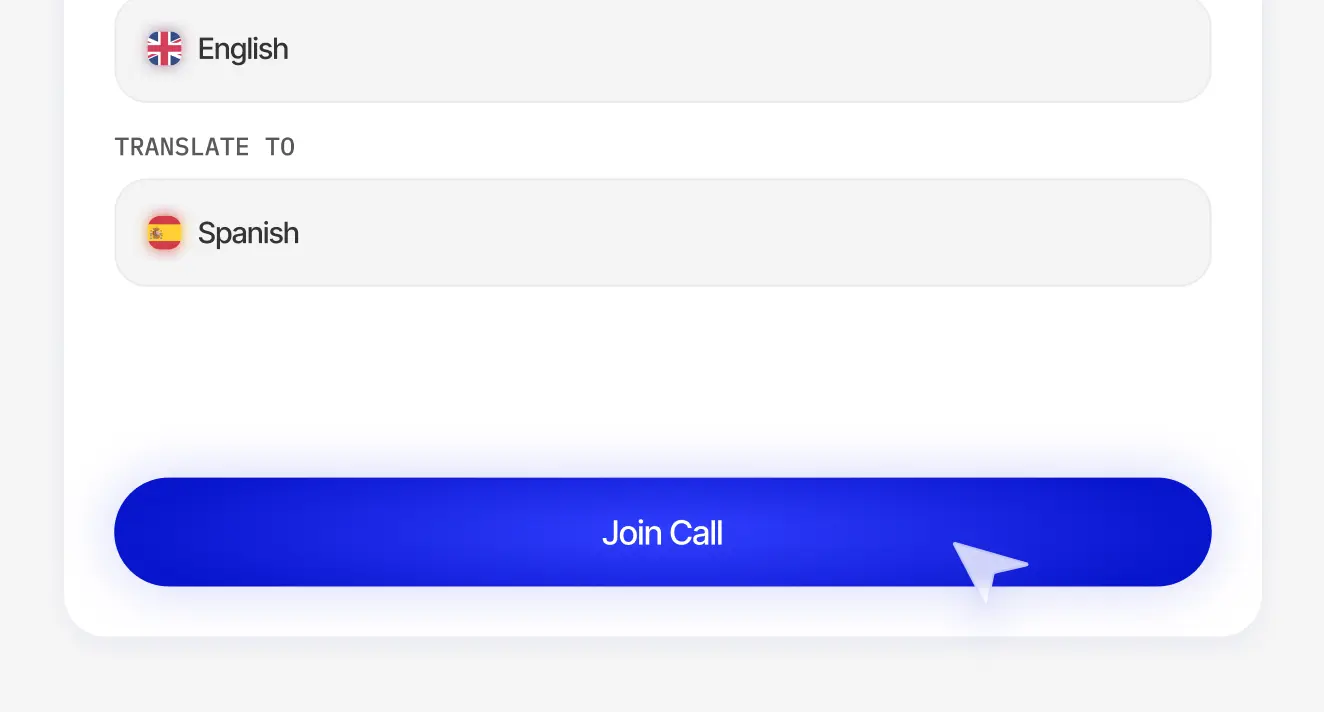
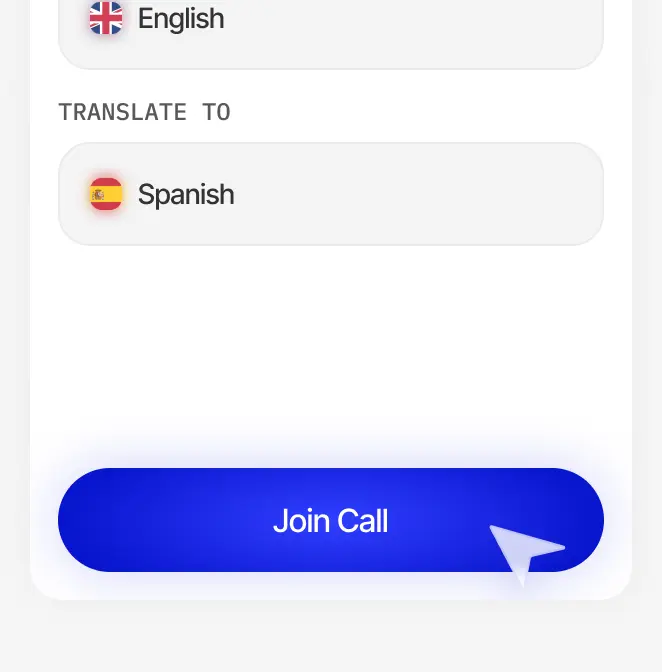
The setup takes around 5 minutes. Log in, paste the meeting link, choose languages, click “Join call”, and you’re all set.