Globalize Your Stream with Palabra API Stream Translate Solution
Broadcast to a worldwide audience with real-time, AI-powered live stream translation. Deliver a native, multilingual experience with a powerful live stream translator embedded directly into your video player.





One platform. Two ways to use live stream translation
Build your own multilingual product with our speech translation API, or start translating instantly with ready-made tools - all powered by the same low-latency infrastructure.


Everything included into live streaming translation







Native multi-audio support


Live stream translator security you can trust at enterprise scale
Palabra API is built for enterprise-scale live streaming translation deployments. Every stream is encrypted end-to-end.

Key features that make Palabra the most complete streaming video translator
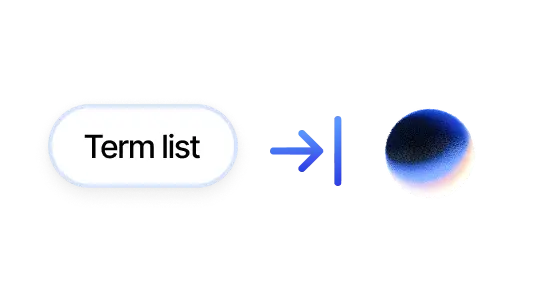
Custom Glossaries

Auto-Language Detection:

Intelligent Diarization

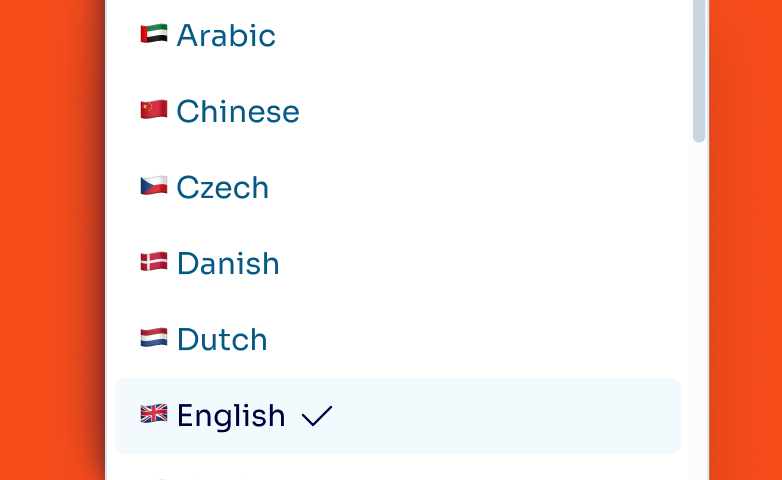
60+ Languages & Dialects
What real users say about our live streaming translation

“We used Palabra during a recent metaverse event hosted on Walcon Virtual, and it added great value to the experience. The live translation helped us reach a broader audience and made the event more accessible”

“We like Palabra interpretation as either in Chinese or English, the translated speech is more concise and coherent, making it easier to either read or listen to. Also, Palabra is able to detect language change and yield corresponding interpretation. This is good if we use it during a fireside discussion.”
Stream to a global audience without rebuilding your setup


Ship real-time translating live video live stream inside your platform
How Palabra fits your platform architecture:



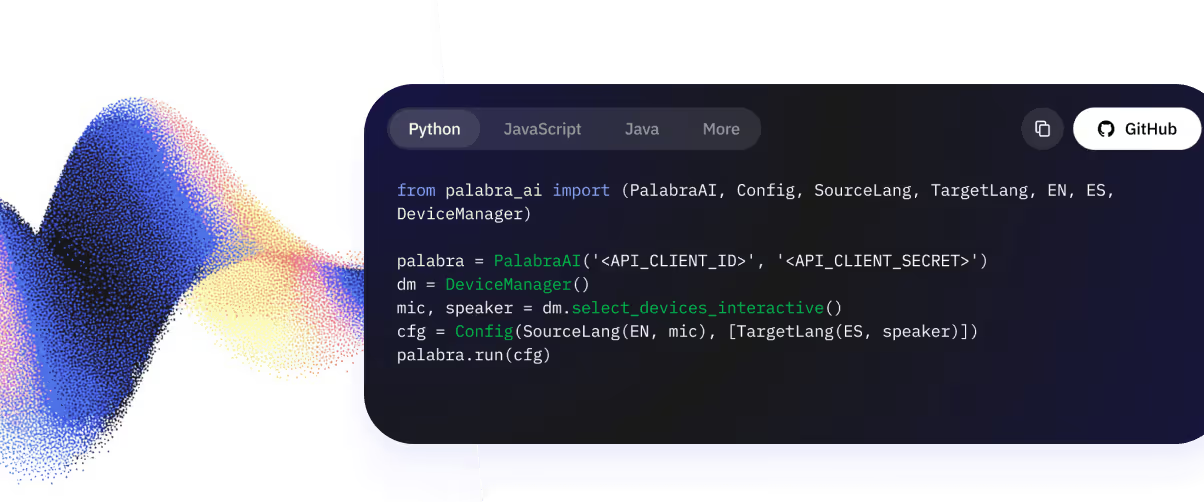
Three steps to first translated live stream audio
Get your API credentials
Install the SDK
Configure languages & go live

Answers you might need
Palabra live stream translation works the following way:
- Connect your stream input and output to Palabra Broadcaster.
- On your live stream, viewers pick a language option.
- Go live.
- Palabra securely captures the speaker’s audio.
- Our proprietary LLM transcribes and translates speech into 60+ languages.
- Viewers hear audio or read captions in their chosen language.
Palabra streaming video translator can handle both audio and captions during a live stream. Contact our team if you need help setting this up: [email protected].
No, delay isn’t noticeable to viewers. Palabra delivers two-way automatic translation with under one second of latency.
No special software or extension is required to use Palabra AI translator. Easily integrate Palabra with your streaming platform using our iframe widget or API for custom setups.
Security is a top priority. All live streams processed by Palabra are encrypted. Critically, we do not store any conversation data, ensuring total privacy for your broadcasts.
Palabra has no limit on how many viewers can access translated streams.
Palabra.ai ensures real-time translation accuracy by understanding context and using niche terms you add through glossary settings. To guarantee stream translation quality, every product update passes automatic benchmarks and a final review by professional interpreters.
Our live stream translator supports multiple speakers at once, even if they switch languages. Contact our team if you need help setting this up: [email protected].
You can translate a YouTube live stream using Palabra Broadcaster. Copy your YouTube stream key, paste it into Palabra, select your source and target languages, and go live. Palabra handles the real-time speech-to-speech translation and delivers translated audio and captions to your audience instantly. No plugins or software installs required.
To translate a live stream with Palabra: connect your stream via RTMP, SRT or direct browser input; select the language being spoken and the languages you want to translate into; then go live. Palabra's AI translates speech in under one second and delivers native-language audio directly inside your video player. It works with OBS, streaming cameras, and any RTMP-compatible setup.


.avif)