Live Speech-to-Speech Translation for Microsoft Teams Meetings

Add our AI bot to Teams in a few clicks. Get natural, context-aware live translation for a Teams meeting with near-zero delay across 60+ languages.

Stop Struggling with Microsoft Teams' built-in speech-to-speech translation

Microsoft Teams infrastructure dependence

Switch from Teams to Zoom or Google Meet, and the translation layer disappears. Every new platform means you rebuild the translation setup from scratch.

Our AI bot works across different meeting platforms, so your translation setup stays consistent everywhere.

Limited language choice

Teams currently allows meeting translation, but this functionality is available for only 10 languages.

Our AI bot supports 60+ languages, enabling seamless translation between any language combination.

License-heavy setup

Every participant who needs live translation should have both Microsoft 365 and Copilot licenses. This raises access and rollout friction.

No per-user licenses required, anyone can join and get live translation instantly.

Hard monthly interpretation limits

Each Microsoft 365 Copilot license includes 20 interpretation hours per user per month. Extra hours can’t be purchased; access beyond the limit depends on Microsoft’s capacity.

Unlimited interpretation time, so your meetings never stop mid-conversation.

Scale live translation in a Teams meeting as needed - without limits or compounding complexity

Access 60+ languages

Translate in over 60 languages. Can’t find yours? Contact us, and we’ll work on adding it.
Access 60+ languages

One subscription for the organizer

Only the meeting organizer needs a bot subscription. Invite internal teams, partners, or guests without requiring apps or licenses.
One subscription for the  organizer

Get support whenever you need it

Use chat to reach support anytime, 24/7. Enterprise customers get a dedicated manager and a technician for each Teams meeting or webinar.

Interpret tone and meaning

Our AI captures tone and tracks context. We can do this because we handle the entire AI interpretation process ourselves, not through stitched-together third-party systems.
Interpret tone and meaning

Integrate with platforms beyond Microsoft Teams

Add our AI bot to meetings and webinars on other platforms just as easily. Enjoy cross-platform freedom!
Zoom logoGoogle Meet logo

No monthly time caps

Run multilingual meetings as long and as often as you need. Translation does not stop after a fixed number of hours.

Unlimited participants

Add the bot once and translate for any number of attendees. Meetings and webinars scale without per-person limits or license checks.
Unlimited participants

Keep your data secure

We encrypt every conversation and never store your data, ensuring full confidentiality. For enterprise customers with advanced security needs, we also support private cloud or on-premises deployments.

No app needed

Set up our AI bot in your browser, add it to your Microsoft Teams call, and start translating.

Use human voices

No robotic voices – clone your own or choose from ours, modeled after professional interpreters.
Use human voices

How to set up live translation for Microsoft Teams meetings and webinars with our AI bot

How to use Palabra for live translation in Teams

1

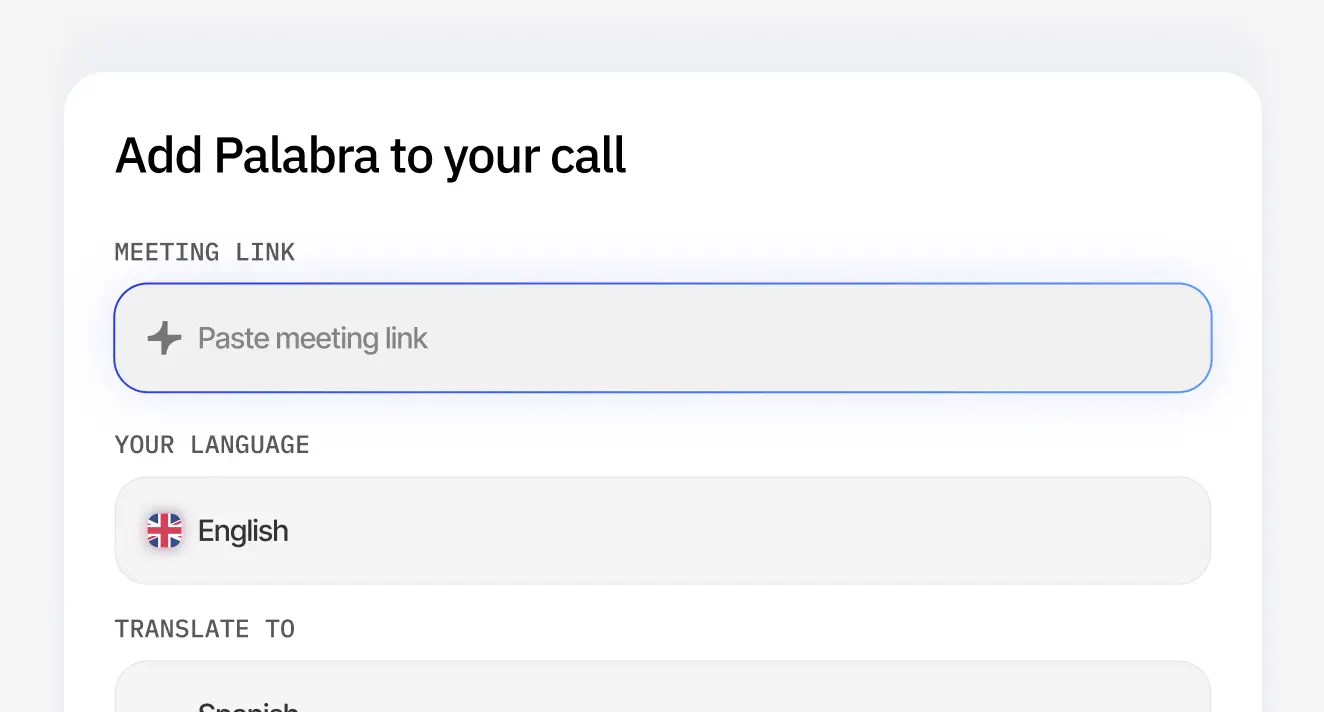
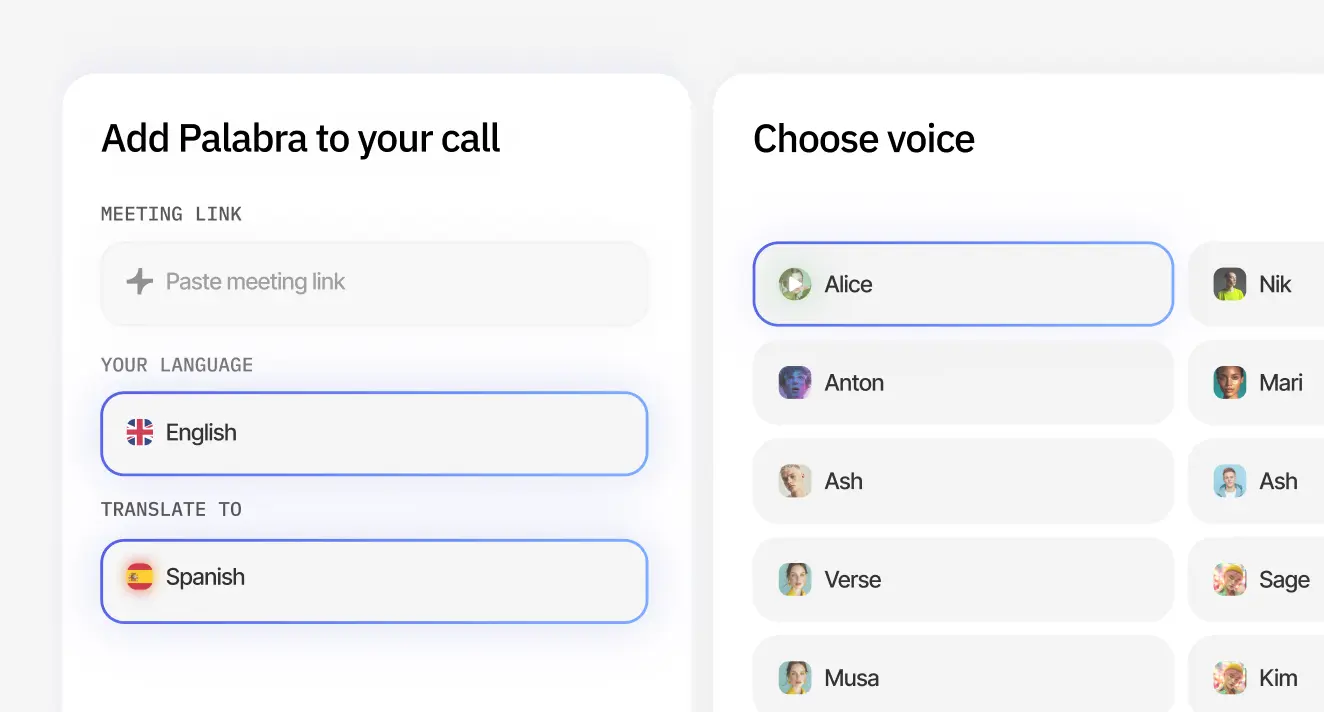
Add your meeting.
Paste a Zoom, Google Meet or Teams link.

Add your meeting. Paste a Zoom, Google Meet or Teams link.Add your meeting. Paste a Zoom, Google Meet or Teams link.
2

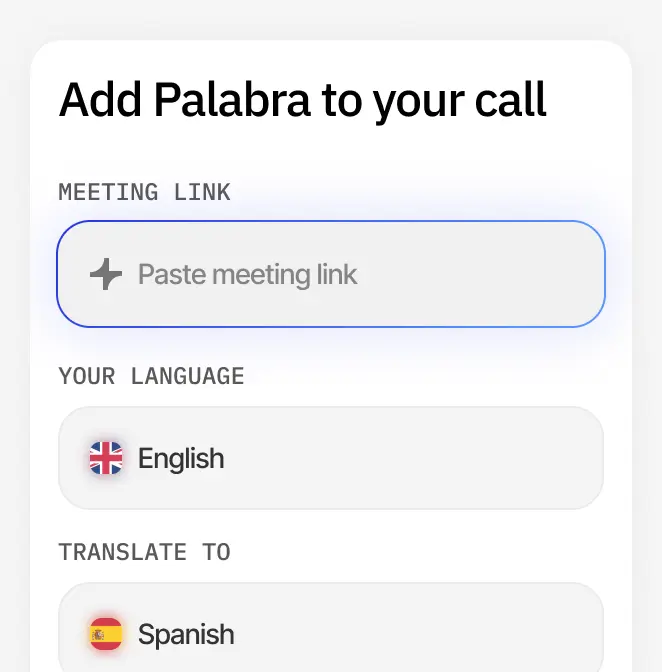
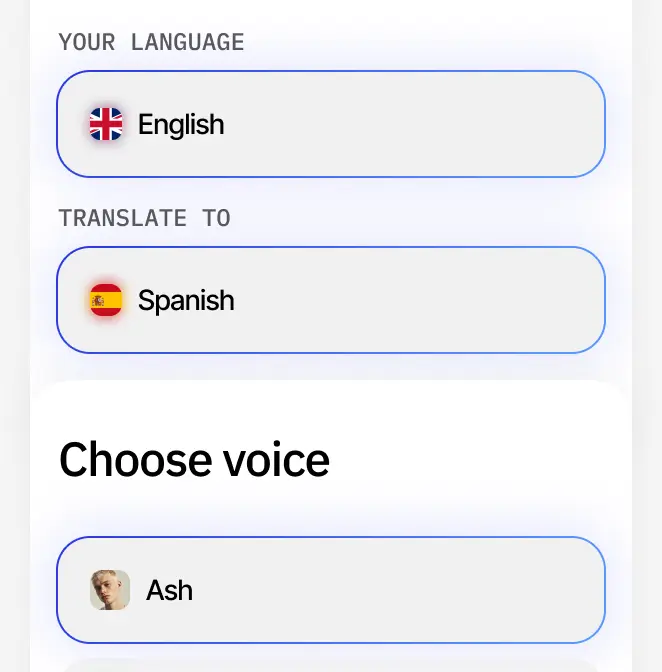
Choose settings.
Select the languages
and voice.

Choose settings. Select the languages
and voice.Choose settings. Select the languages
and voice.
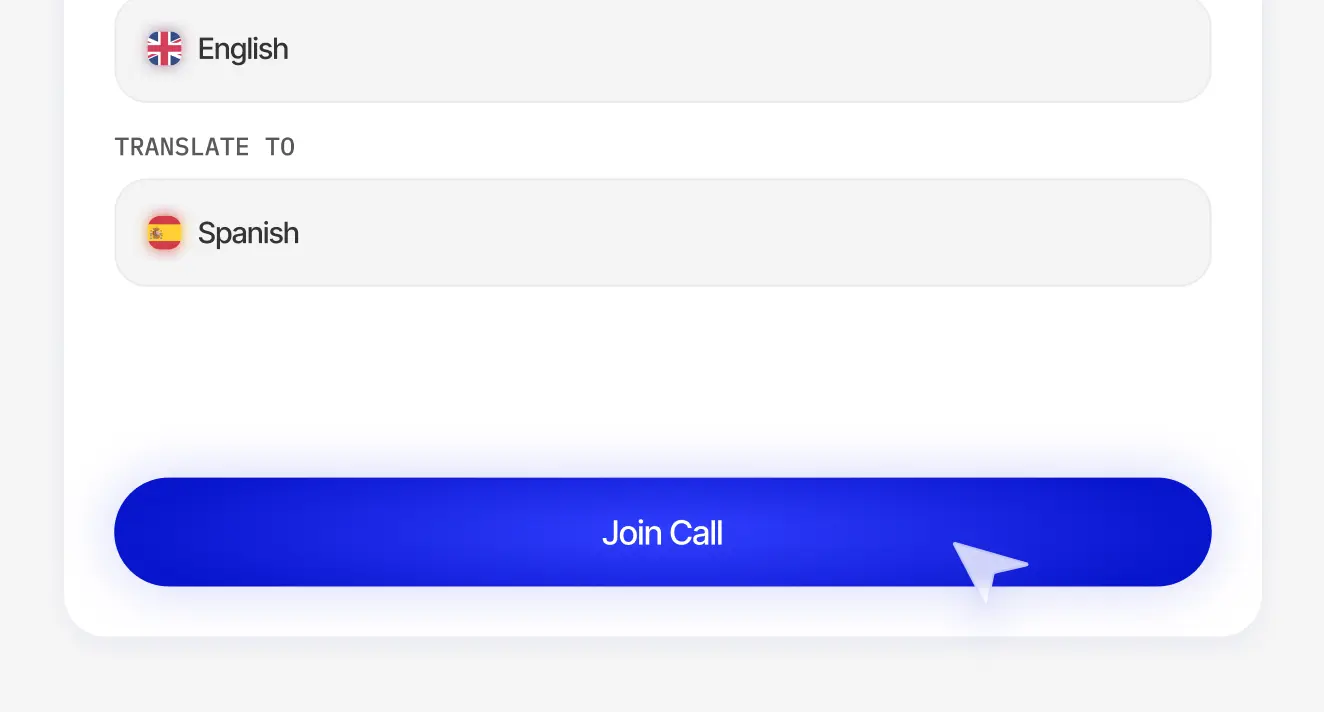
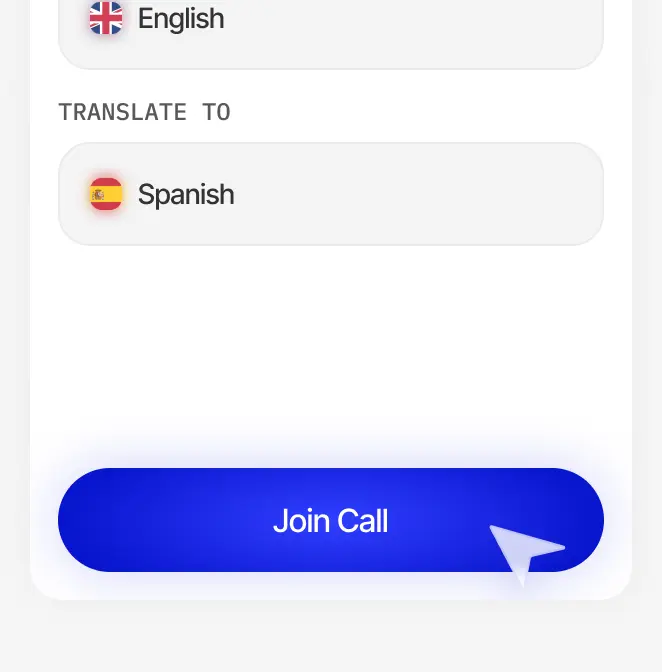
3

Join the call.
Simply click Join call to get started.

Join the call. Simply click Join call to get started.Join the call. Simply click Join call to get started.

Customer feedback on our Microsoft Teams meeting translation bot

Tom Becker
Tom Becker
Founder & CEO

“I tested Teams' built-in translation and several AI tools before. Most added delay or broke the flow. After using the bot for a while, conversations finally feel natural. The near instant translation keeps tone and intent intact. Meetings feel like meetings again, not technical experiments.”

Marco Rossi
Marco Rossi
Marketing Director

“We used to bring interpreters for large Teams webinars or avoid live translation altogether. With the bot, that decision disappeared. We run multilingual webinars more often now because the setup stays simple and the experience scales without extra effort.”

Real-time translation pricing, built around how you use it

Starter
For occasional multilingual calls, presentations, and B2B webinars.
$60
$45
/MO
Capacity
3 hours
Capacity
$20 / hour
$15 / hour
Start free trial
CORE FEATURES
60+ languages
Conversation mode (two-
way translation)
Presentation mode (one-to-many translation)
Custom glossaries
Voice cloning & Pre-recorded voices
Noise suppression & Music isolation
Live captions & transcripts
Pro
For regular multilingual meetings, webinars, and presentations.
$200
$150
$115
/MO
Capacity
10 hours
Capacity
$15 / hour
$11.5 / hour
Start free trial
MORE HOURS AND BETTER RATE THAN STARTER
60+ languages
Conversation mode (two-
way translation)
Presentation mode (one-to-many translation)
Custom glossaries
Voice cloning & Pre-recorded voices
Noise suppression & Music isolation
Live captions & transcripts
Team
For high-volume translation with the lowest self-serve rate.
$1000
$500
$375
/MO
Capacity
50 hours
Capacity
$10 / hour
$7.5 / hour
EVERYTHING IN PRO, PLUS:
Multi-seat workspace with roles & permissions
SSO & audit logs
Dedicated account manager
Setup help
Business
For tailored capacity, control, and enterprise-grade support.
Custom
Tailored volume prising
Talk to sales
EVERYTHING IN TEAM, PLUS:
Custom features and integration development
SLA and priority support
Security and procurement support
Enterprise onboarding
Regional server deploy
Starter
For occasional events and workshops you run yourself.
$500
$375
/MO
Capacity
5 hours
Capacity
$100 / hour
$75 / hour
Start free trial
CORE FEATURES
Unlimited listeners 
Single-stage events
2 cloned voices (+ accent control)
QR code audience access
Pre-recorded voices
Custom glossaries & context-aware delivery
Translated captions
Noise suppression & music isolation
Audio ducking / mixing
RTMP/SRT and HLS integration
Self-service setup
Pro
For regular events with multiple speakers and stages.
$2000
$1600
$1200
/MO
Capacity
20 hours
Capacity
$80 / hour
$60 / hour
EVERYTHING IN STARTER, plus:
Up to 3 stages per event
10 cloned voices (+ accent control)
Speaker diarization
Setup help
Team
For high-volume conferences across multiple organizers.
$5000
$3000
$2250
/MO
Capacity
50 hours
Capacity
$60 / hour
$45 / hour
EVERYTHING IN PRO, PLUS:
Unlimited stages per event
Unlimited cloned voices
Multi-seat workspace with roles & permissions
Dedicated account manager
Enterprise onboarding
Business
For global enterprises and institutions needing full control.
Custom
Tailored volume prising
Talk to sales
EVERYTHING IN TEAM, PLUS:
Custom features and integration development
SLA and priority support
Regional server deployment
Starter
For small live streams you set up yourself.
$300
$225
/MO
Capacity
5 hours
Capacity
$60 / hour
$45 / hour
Start free trial
CORE FEATURES
Unlimited listeners 
3 simultaneous output languages
2 cloned voices (+ accent control)
Live audio and captions translation (60+ languages)
RTMP/SRT and HLS integration
QR code audience access
Custom glossaries & context-aware delivery
Voice cloning & accent control
Pre-recorded voices
Noise suppression & music isolation
Audio ducking / mixing
Self-service setup
Pro
For regular broadcasts with growing global audiences.
$1200
$800
$600
/MO
Capacity
20 hours
Capacity
$40 / hour
$30 / hour
EVERYTHING IN STARTER, plus:
10 simultaneous output languages
10 cloned voices
More hours
lower per-hour cost
Speaker diarization
Team
For large-scale broadcasts with multiple producers and streams.
$3000
$1500
$1125
/MO
Capacity
50 hours
Capacity
$30 / hour
$22.5 / hour
EVERYTHING IN PRO, PLUS:
Unlimited simultaneous output languages
Unlimited cloned voices
Multi-seat workspace with roles & permissions
Dedicated account manager
Business
For global enterprises and institutions needing full control.
Custom
Tailored volume prising
Talk to sales
EVERYTHING IN TEAM, PLUS:
Custom features and integration development
SLA and priority support
Regional server deploy

Answers to all your questions

What is live translation for Teams meetings?

Live translation for Microsoft Teams meetings is a real-time AI feature that converts speech in your calls into 60+ languages and returns the translated voice back instantly while preserving tone, context, and emotion.

How does Teams meeting translation work?

Our AI listens to Teams meeting audio, transcribes it, translates it to your chosen language, and delivers high-quality translated audio or captions in real time.

Does live translation in Teams have latency?

Our tech achieves under 1-second latency. You get smooth, natural conversations with no noticeable delay.

Do participants need special software to translate in a Teams meeting?

No. For both hosts and participants, everything configures and runs in the browser.

Can I use both audio and captions in Teams meeting translation?

Yes. Participants can choose to listen to translated audio, read translated captions, or use both simultaneously.

How many languages does Teams meeting translation support?

We support 60+ languages, including Spanish, French, Chinese, Arabic, German, Japanese, Portuguese, and more for Teams meeting translation.

Does Teams meeting translation work with recorded meetings?

No, our AI bot is only for real-time translation.

Is live translation for Teams meetings secure?

We encrypt every conversation and never store your data, ensuring full confidentiality. For enterprise customers with advanced security needs, we also support private cloud or on-premises deployments.

Can I use custom terminology in Teams meeting translation?

Yes. You can upload custom glossaries to ensure your company’s technical terms, product names, and jargon translate correctly.

How do I activate Teams meeting translation?

Setup takes around 5 minutes. Log in, connect to the meeting, choose languages, and start the call.

Can Teams meeting language translation handle cross-company meetings?

Yes. It works for vendor calls, partner meetings, and customer conferences where participants speak different languages. Only the organizer needs a subscription to our bot.

Why is your Microsoft Teams meeting translation better than hiring
interpreters?

AI translation works better for most Teams calls and webinars if you need many languages, fast setup, low cost, and stable accuracy. It delivers under a 1-second delay and scales instantly.

Human interpreters work better for high-stakes calls where emotional nuance matters more than scale or budget.