Context-aware AI voice translation services for nonprofits and NGOs

An affordable and reliable way to speak with a multilingual community, donors, and coworkers without awkward workarounds and extra stress.
Context-aware AI voice translation services
for nonprofits and NGOs

Why nonprofits choose Palabra.ai over human interpreters

Coverage for rare languages

Coverage for rare languages

Reach people in long-tail languages, even when no interpreter exists for the pair. Add new languages on demand, beyond 60+ supported languages.
Always available, scales in seconds

Always available, scales in seconds

Get instant access to 3,000+ language pairs, 24/7. No waiting, no scheduling, no pulling bilingual staff or children into translation.
Highly accurate translation

Highly accurate translation

Palabra understands tone and remembers context. Custom glossaries allow you to translate program names, benefits, legal, health, and other terms consistently.
Human-level quality at 4x lower cost

Human-level quality at 4x lower cost

Pay only for translated minutes, regardless of the number of languages and participants. Contact us for special nonprofit pricing tailored to your use case.
Near real-time dialogue

Near real-time dialogue

A <1-second delay keeps conversations natural. Reduce friction in tense, high-stakes moments.
Privacy for sensitive casework

Privacy for sensitive casework

No third party joins the conversation. Palabra.ai encrypts each session and deletes content after the session ends.

Remove language barriers
with a reliable technology

Easy setup and use

No apps to download, no hardware to install. In most cases, you can start in under 5 minutes. See the guides below.
Easy setup and use

Works on limited connectivity

Palabra runs smoothly on 10 to 20 kbps, without disrupting calls, webinars, or live streams.
Works on limited connectivity

Clear audio in noisy environments
Built-in noise cancellation filters out background sound so speech stays clear.
Clear audio in noisy environments

Two modes for different moments

Use two-way translation for casework and conversations. Use one-to-many translation for events and briefings.
Two-way
One-to-many

In-person, virtual, or hybrid

Translate meetings and events on-site, online, or hybrid. No extra charge.

Audio plus captions

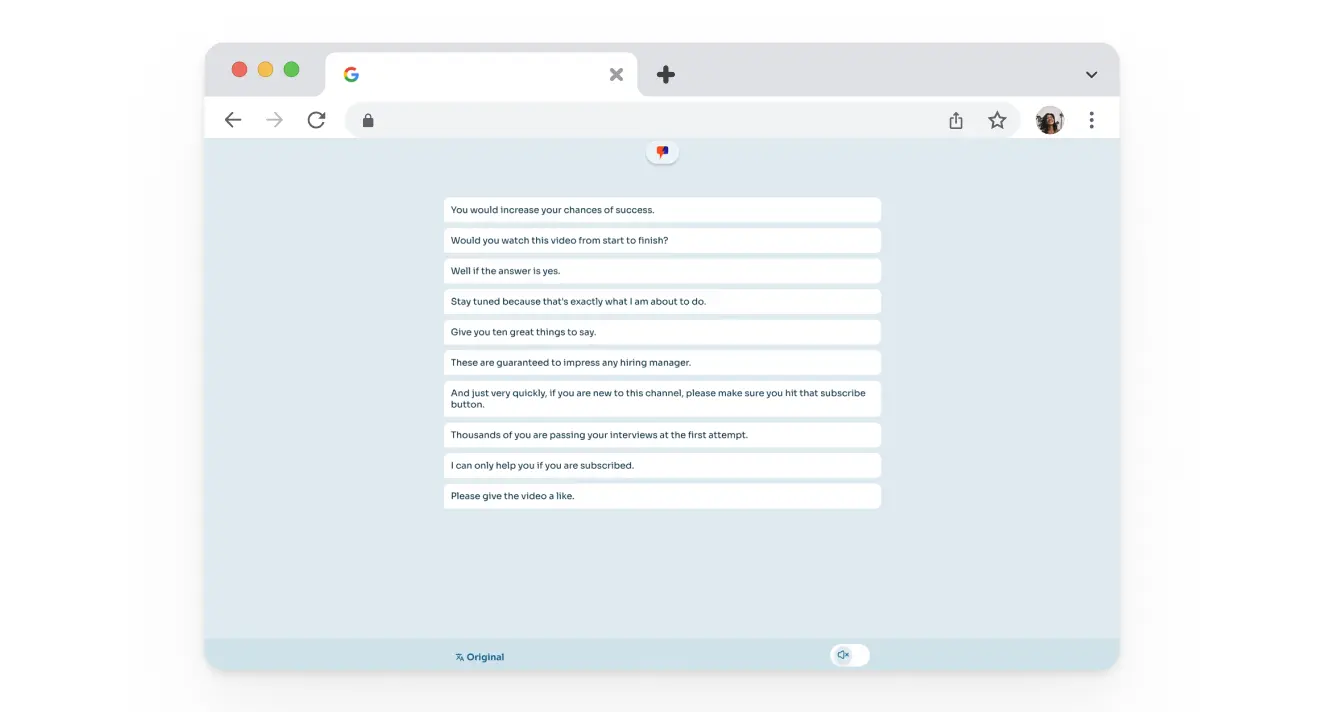
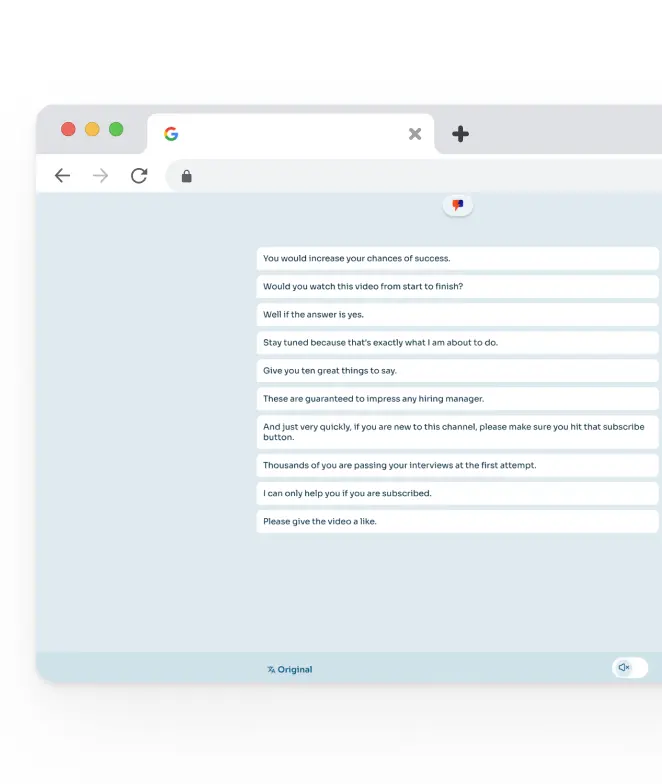
Offer live captions for people who prefer reading, have hearing loss, or join from noisy environments.
Audio plus captions

Support when you need it

Reach our live chat support 24/7.
Enterprise plans include a dedicated manager and technician.
Support when you need it

How nonprofits and NGOs use Palabra.ai translation services

Beneficiary intake and casework
Support social workers and case managers in real time, without bilingual staff bottlenecks.
Multilingual helplines
Offer on-demand virtual support for beneficiaries,
with live voice translation.
Community workshops and events
Run events where each attendee follows along in their language on their device.
Internal multilingual meetings
Keep multilingual teams aligned and productive,
with everyone speaking their language.
Stakeholder meetings
Build donor trust across languages, and keep funders
and partners aligned in briefings and calls.

Feedback from nonprofits using Palabra.ai

Regional Coordinator
Humanitarian organization

“We work with local chapters in many regions, often in language pairs where qualified interpreters are hard to find. Before Palabra, we relied on volunteers or delayed conversations. After months of use, we run calls on demand. That matters when decisions cannot wait.”

Legal Programs Lead
Legal Programs Lead
Migration-focused nonprofit

“We run legal aid webinars for migrant communities, so clarity really matters. Even when people know some English, meaning gets lost fast. With Palabra, speakers just talk normally, and participants follow in their own language in real time. It also means we no longer depend on untrained volunteers for sensitive conversations.”

Try a free plan with 30 minutes of translation each month

How Palabra.ai works
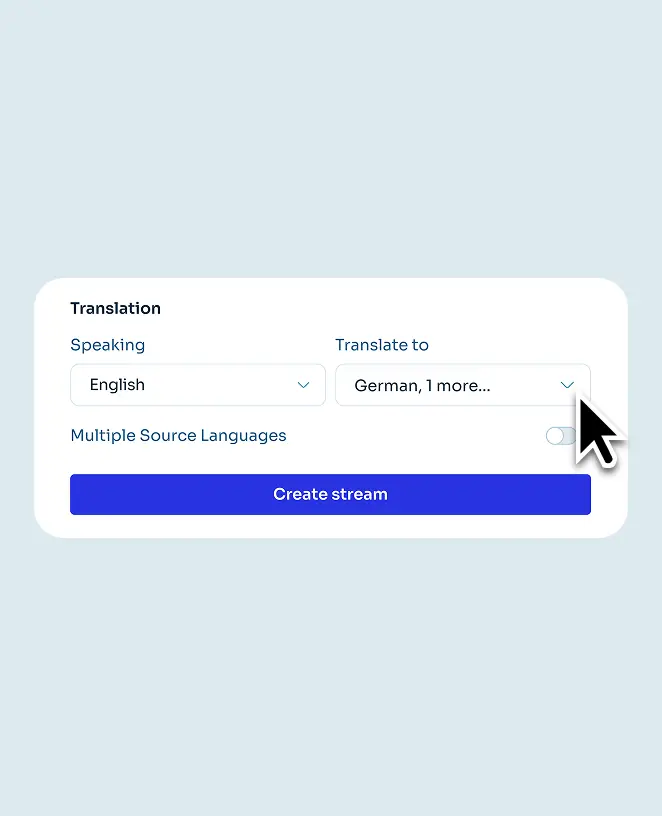
Easy setup and smooth integration with your tools
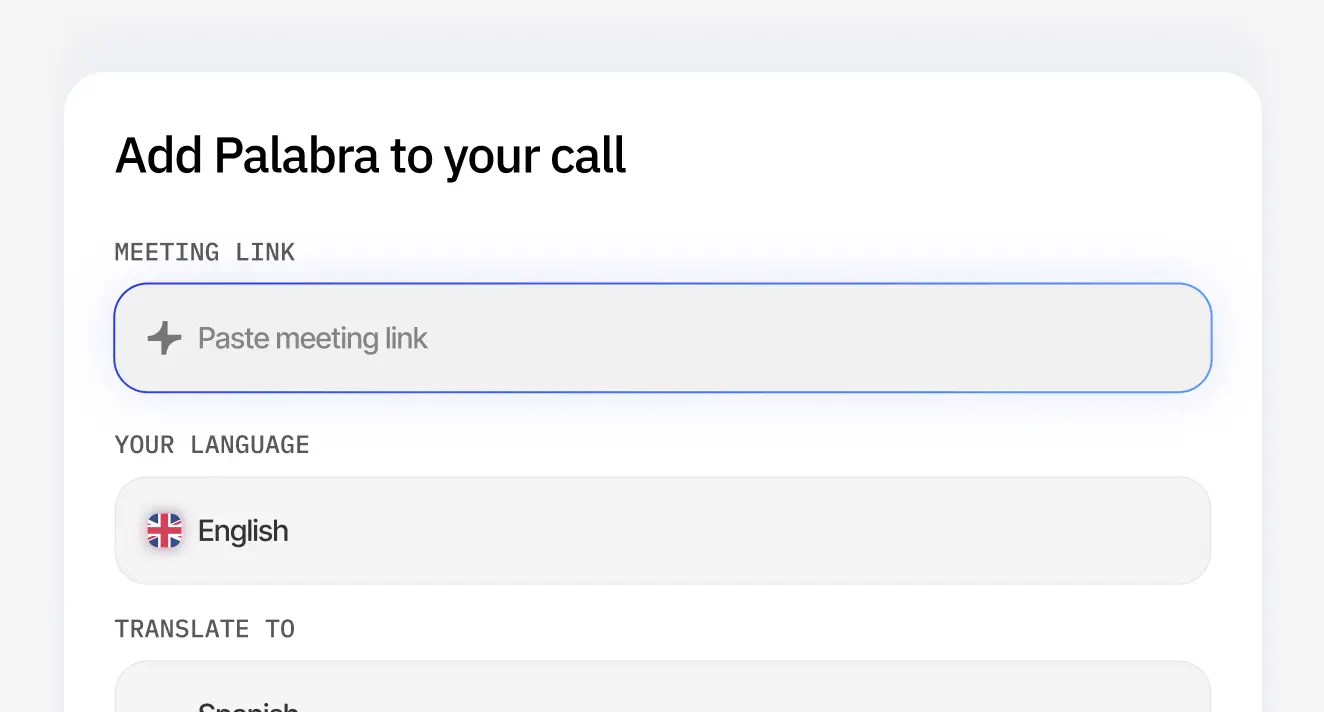
1

Add your meeting.
Paste a Zoom, Google Meet or Teams link.

Add your meeting. Paste a Zoom, Google Meet or Teams link.Add your meeting. Paste a Zoom, Google Meet or Teams link.
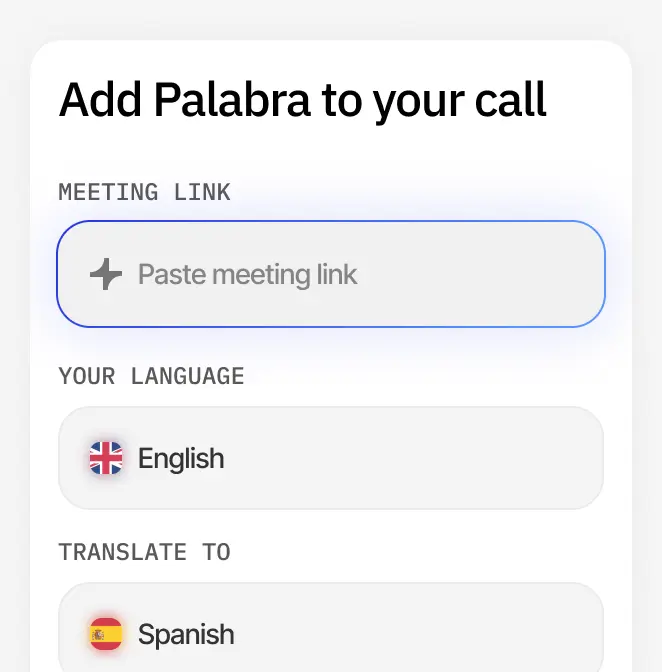
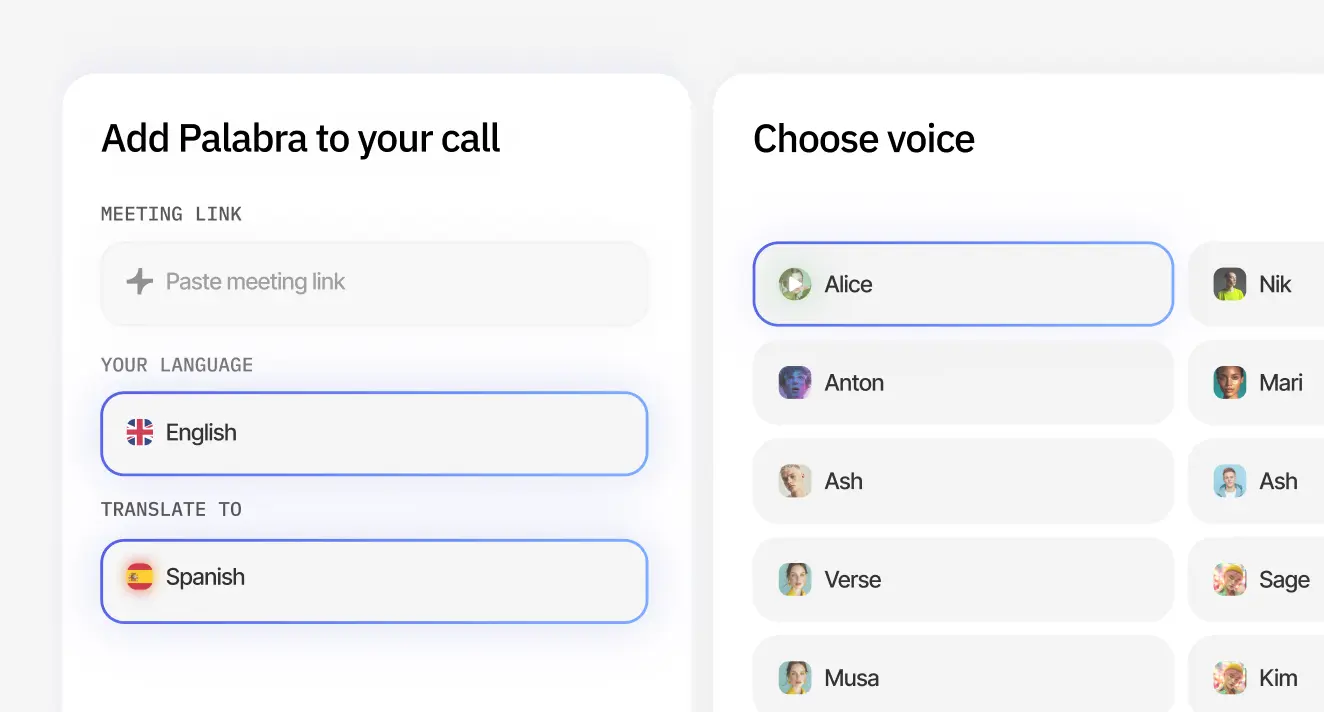
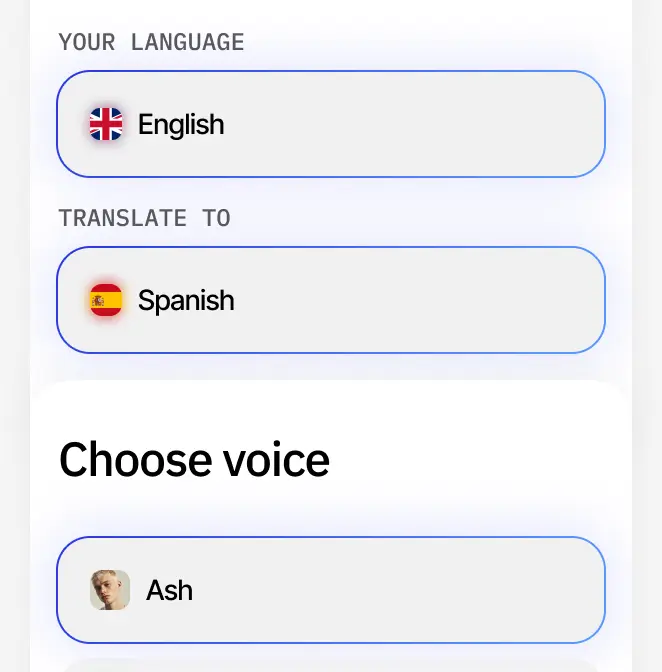
2

Choose settings.
Select the languages
and voice.

Choose settings. Select the languages
and voice.Choose settings. Select the languages
and voice.
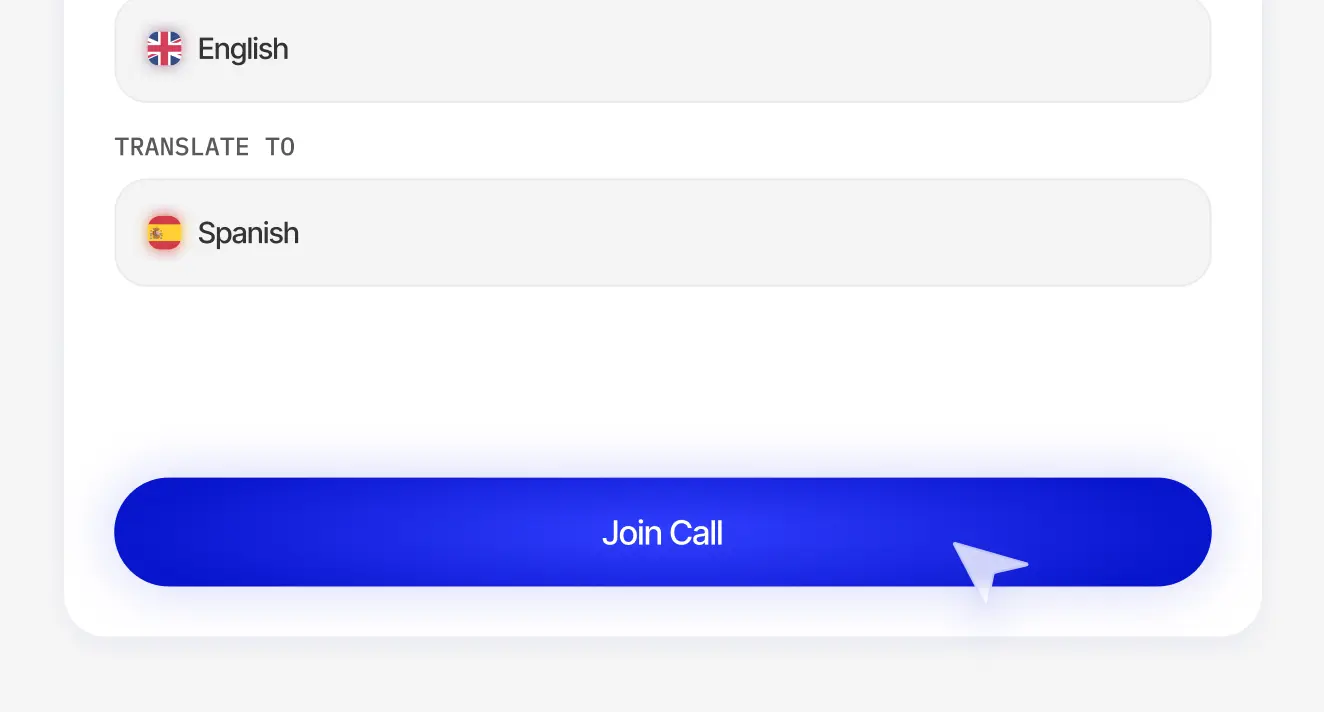
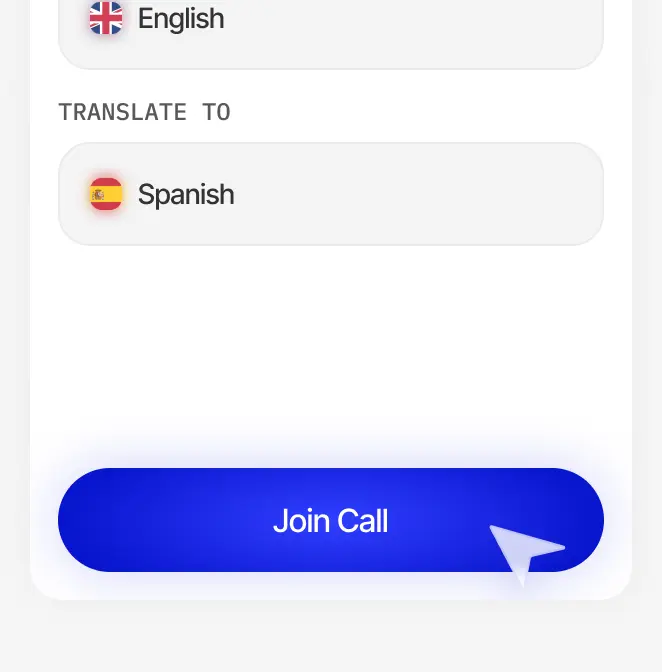
3

Join the call.
Simply click Join call 
to get started.

Join the call. Simply click Join call to get started.Join the call. Simply click Join call to get started.
1

Get the following ready:

A microphone or sound system connected to your device (laptop or tablet)
A Wi-Fi network
Streaming studio software like OBS
(it’s free)
Get the following readyGet the following ready
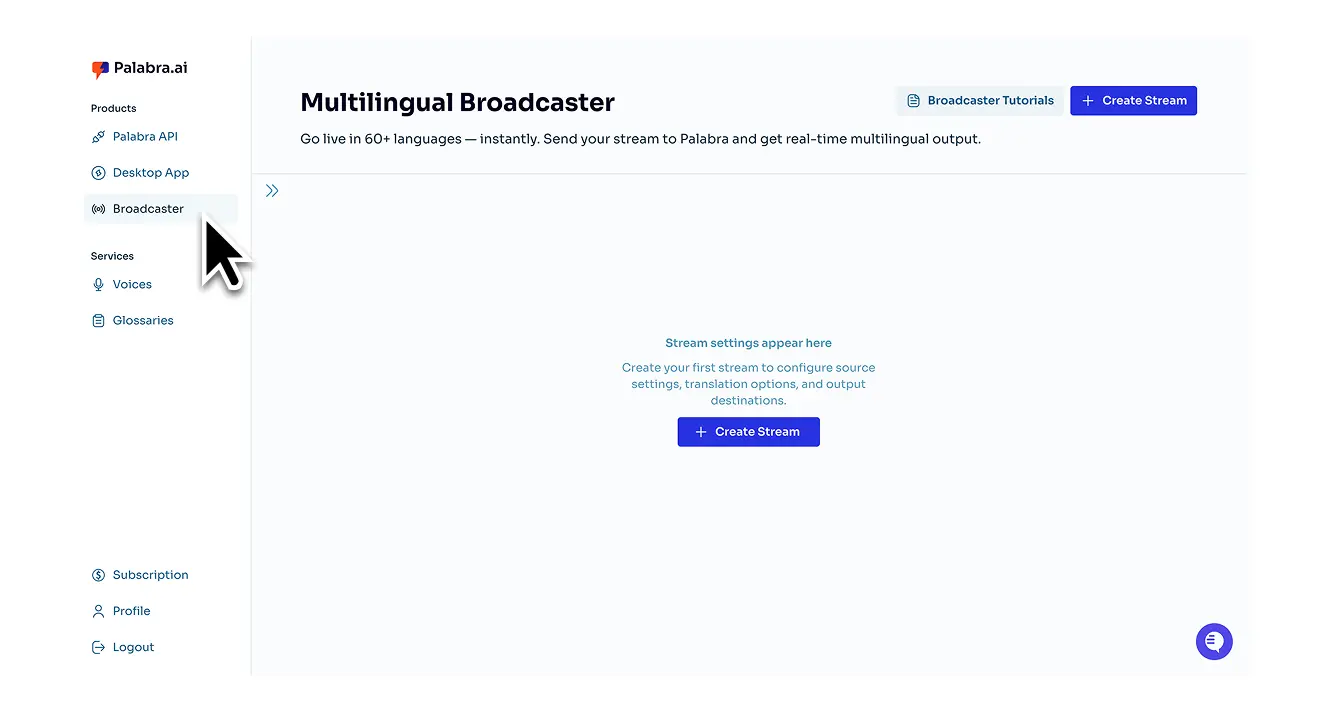
2

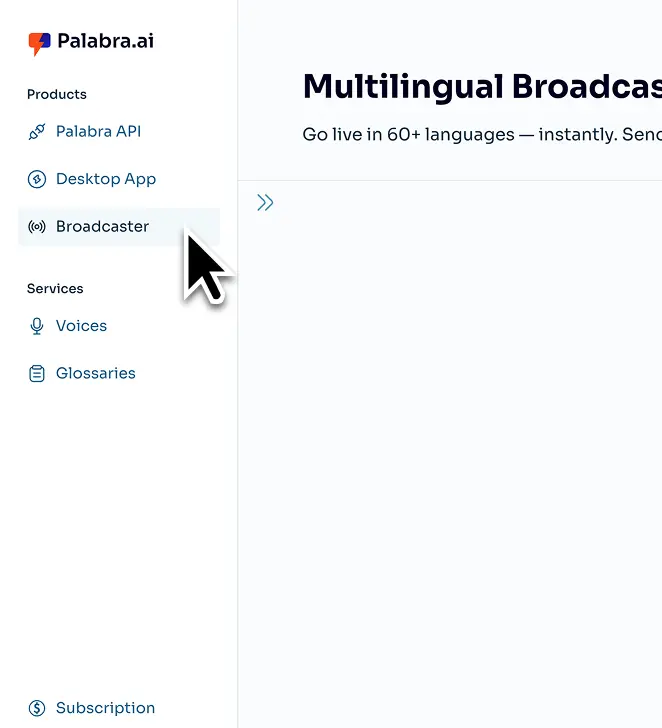
Sign up and open Palabra Broadcaster from your dashboard.

This brings up the main panel where you control input, output, and translation settings.
Sign up and open Palabra Broadcaster from your dashboard.Sign up and open Palabra Broadcaster from your dashboard.
3

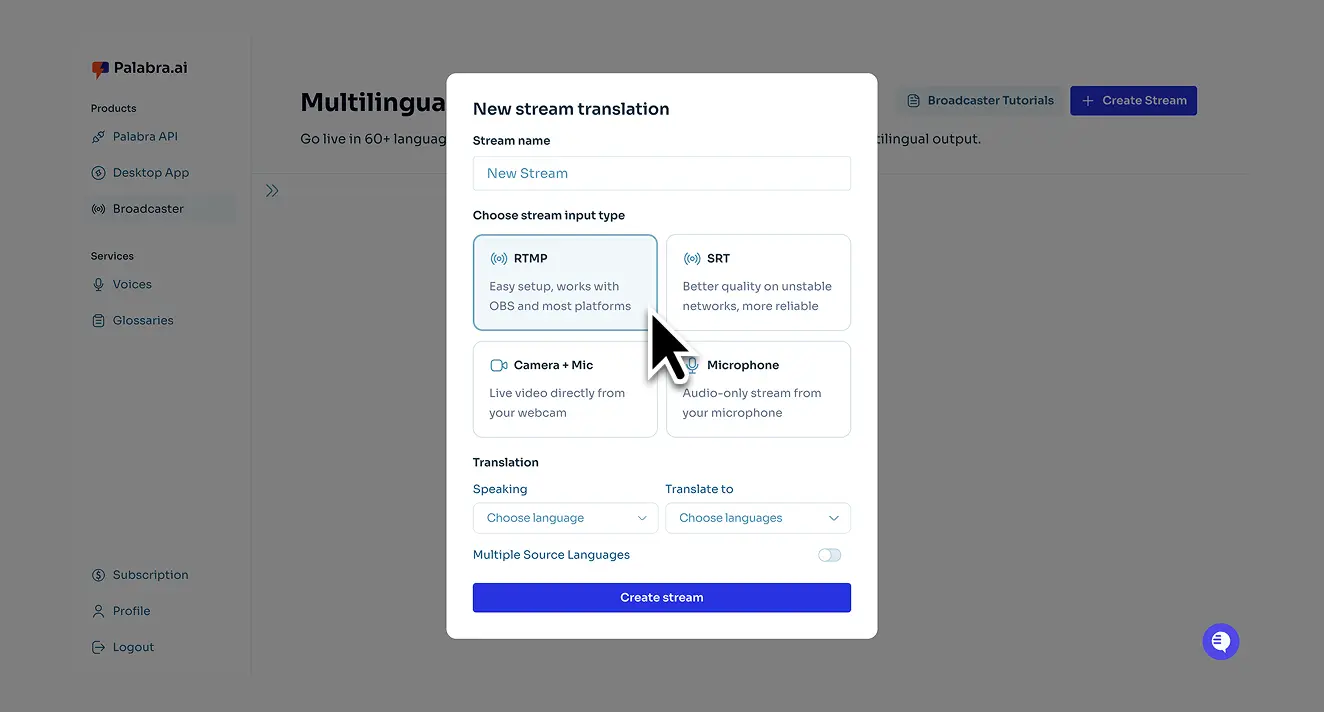
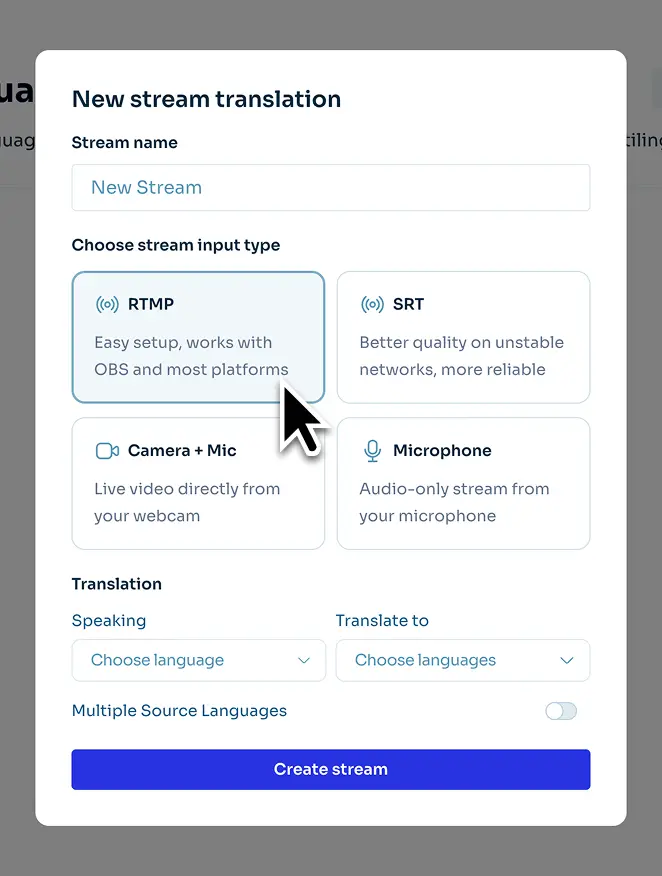
Choose the input protocol based on your streaming studio.

Choose the input protocol based on your streaming studio.Choose the input protocol based on your streaming studio.
4

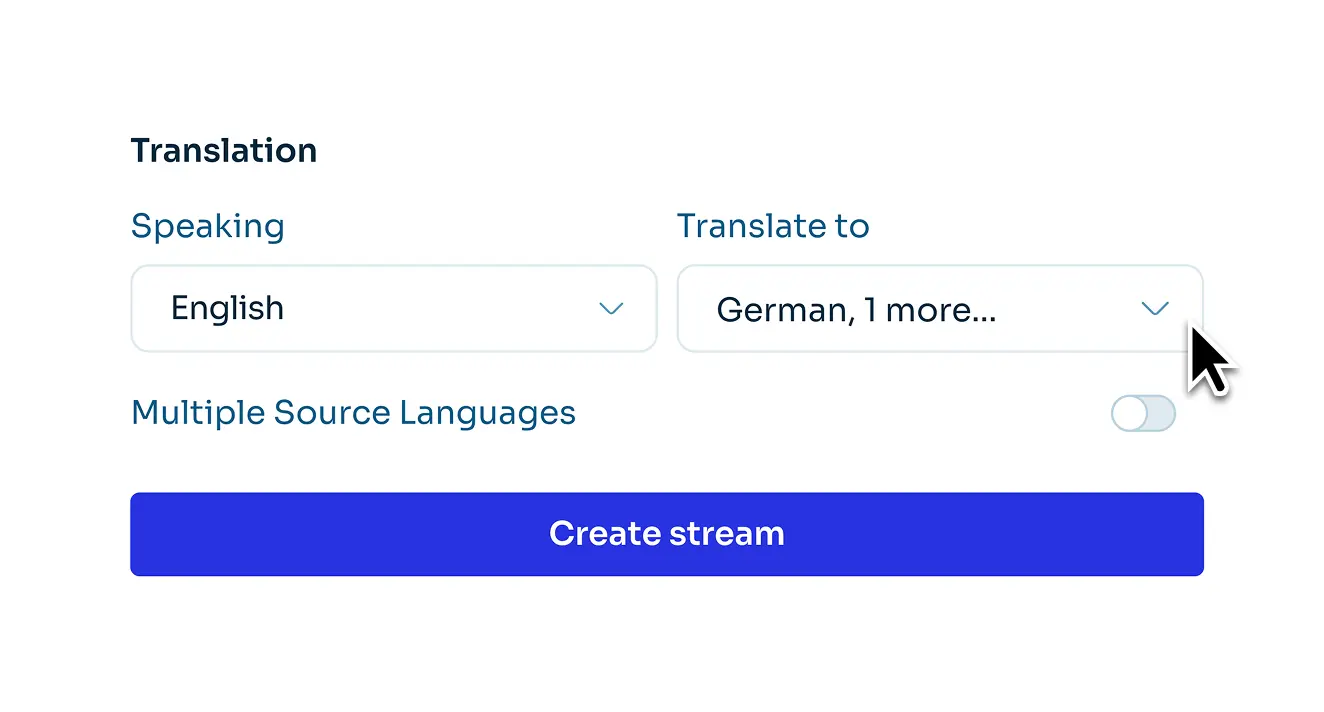
Select your input and output languages.

You can translate your stream into up to 10 languages.
Select your input and output languages.Select your input and output languages.
5

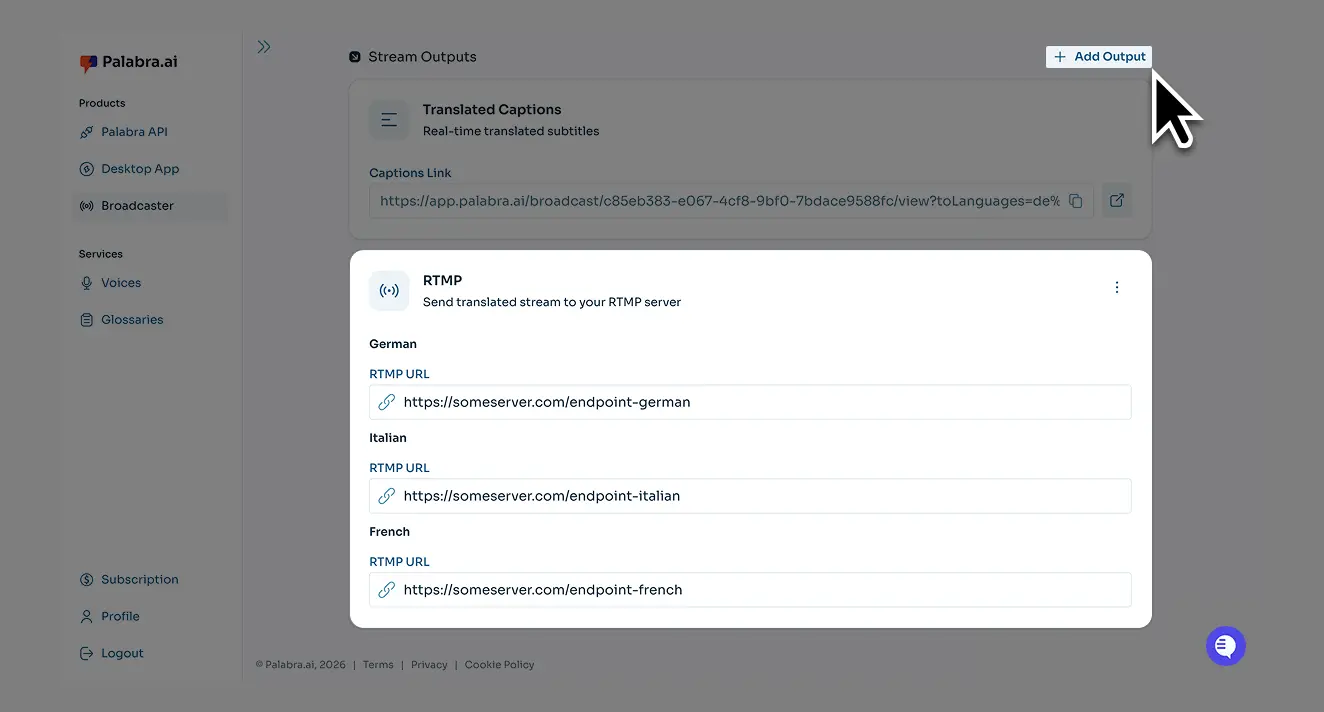
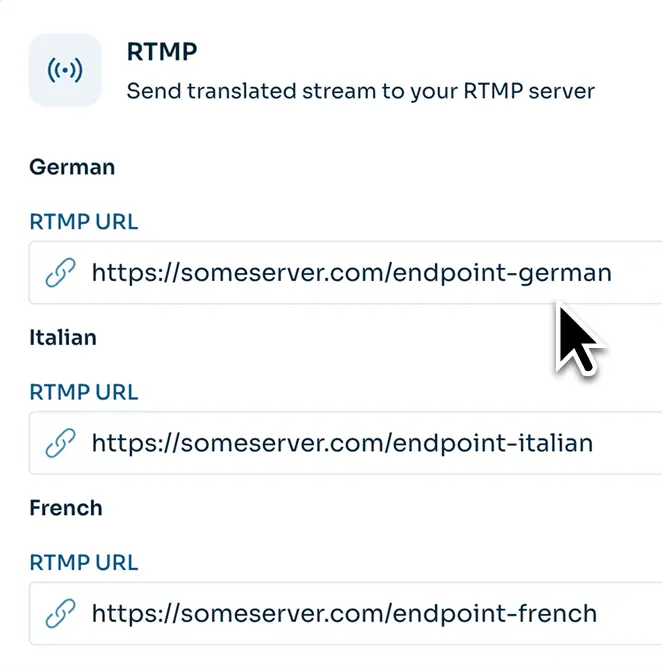
Set the output endpoint.

This is the address where your streaming software sends live audio or video for Palabra to translate.
To offer multiple languages in one player, choose SRT. Note: Only a few players support SRT, e.g., Castr.
Set the output endpoint. Set the output endpoint.
6

Access the translation.

Palabra provides a dedicated website where users choose their language and follow live via audio or captions.
Access the translationAccess the translation
7

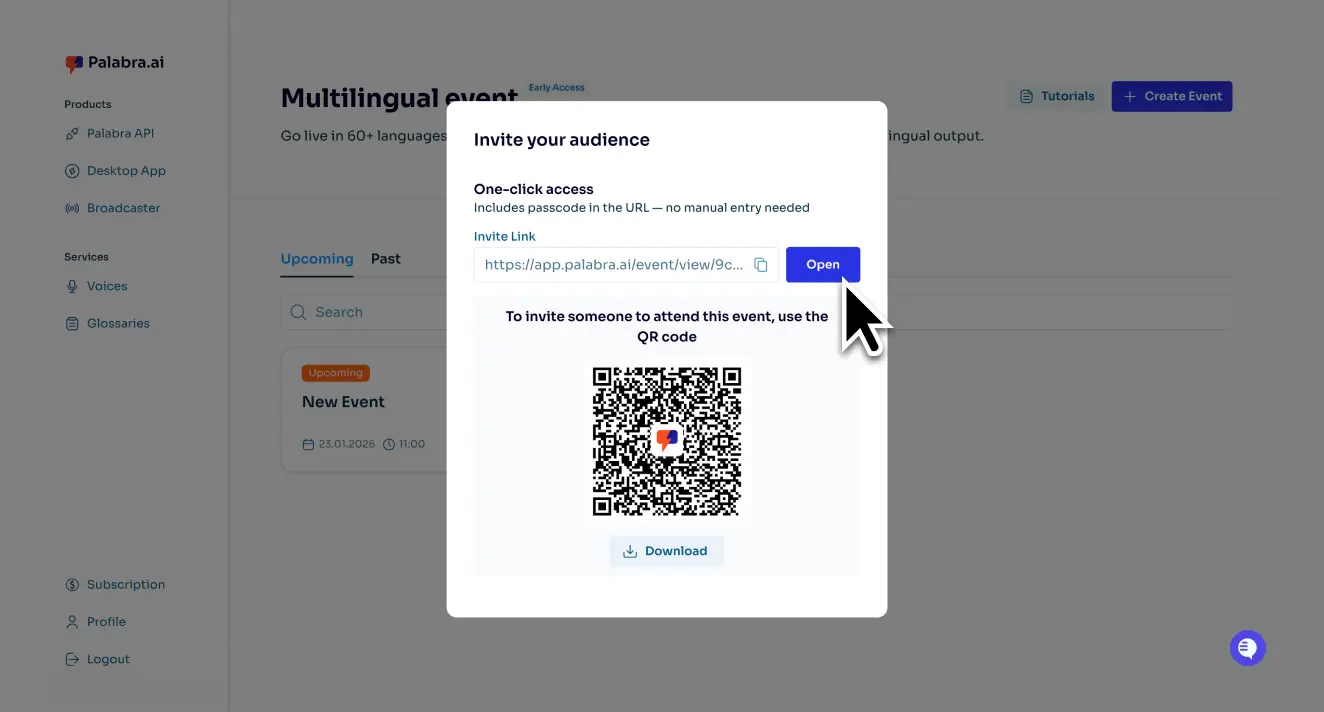
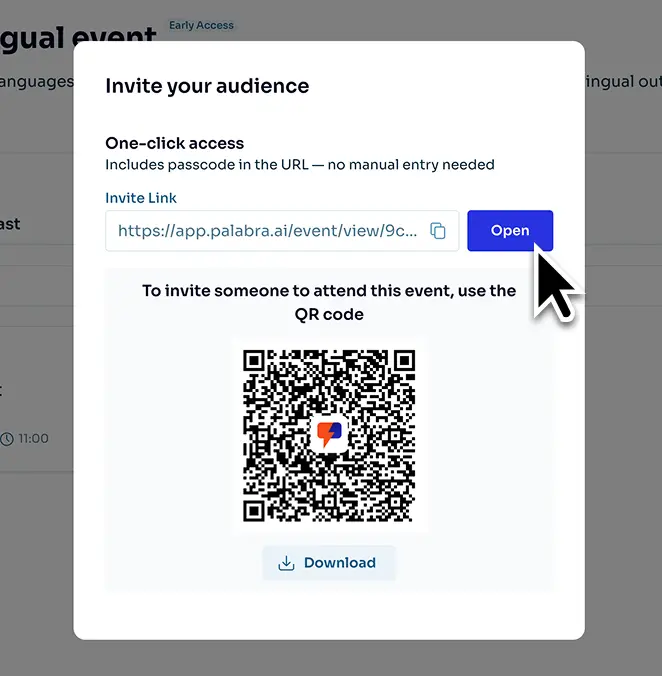
Your team shares a QR code or link for translation with the attendees.

For offline events, you can display it on a screen or print and place it around the venue.
Your team shares a QR code or link for translation with the attendees.Your team shares a QR code or link for translation with the attendees.

Find the right plan for your institution

Contact us for special nonprofit pricing tailored to your use case
Free
Test mode
$0
30 min
per month
Try for free
Basic
1 event or a few small meetings per month
$50
60 min
per month
Get started
Pro
Recurring events 
and regular meetings per month
$250
300 min
per month
Get started
Enterprise
High-volume casework, trainings, and events across teams
Custom
Hours
per month
Contact us

Find the right plan for your institution

Contact us for special nonprofit pricing tailored to your use case

Yearly 2 months for free

Pro
Ideal for individual creators and small teams entering the world of live speech translation
$150
/ MO
150 CREDITS / MO
Voice-calls and Webinars
30 / HOUR
events
150 / HOUR
Broadcaster
80 / HOUR
API Speech-to-speech
30 / HOUR
API Translated captions
10 / HOUR
Get started
Scale
Designed for growing businesses and ambitious professionals who need increased capacity
$900
/ MO
900 CREDITS / MO
Voice-calls and Webinars
25 / HOUR
events
130 / HOUR
Broadcaster
70 / HOUR
API Speech-to-speech
25 / HOUR
API Translated captions
7 / HOUR
Get started
Business
Tailored for established enterprises and large-scale operations requiring maximum capacity
$3500
/ MO
3500 CREDITS / MO
Voice-calls and Webinars
20 / HOUR
events
100 / HOUR
Broadcaster
60 / HOUR
API Speech-to-speech
20 / HOUR
API Translated captions
5 / HOUR
Dedicated account manager
Get started
2 months free
Pro
Ideal for individual creators and small teams entering the world of live speech translation
$150
/ MO
$125
/ MO
150 CREDITS / MO
Voice-calls and Webinars
30 / HOUR
events
150 / HOUR
Broadcaster
80 / HOUR
API Speech-to-speech
30 / HOUR
API Translated captions
10 / HOUR
Get started
2 months free
Scale
Designed for growing businesses and ambitious professionals who need increased capacity
$900
/ MO
$750
/ MO
900 CREDITS / MO
Voice-calls and Webinars
25 / HOUR
events
130 / HOUR
Broadcaster
70 / HOUR
API Speech-to-speech
25 / HOUR
API Translated captions
7 / HOUR
Get started
2 months free
Business
Tailored for established enterprises and large-scale operations requiring maximum capacity
$3500
/ MO
$2917
/ MO
3500 CREDITS / MO
Voice-calls and Webinars
20 / HOUR
events
100 / HOUR
Broadcaster
60 / HOUR
API Speech-to-speech
20 / HOUR
API Translated captions
5 / HOUR
Dedicated account manager
Get started
Explore Enterprise for additional capabilities
Contact us

Answers to all your questions

How does real-time AI speech-to-speech translation work for nonprofits?

Palabra uses its LLM to transcribe and translate speech in real time into 60+ languages, with context-aware accuracy and under 1 second delay. Staff speak normally, beneficiaries, donors, or partners listen or read translations on their devices.

Can we use Palabra for in-person, online, and hybrid programs?

Yes. Use Palabra for on-site conversations, virtual calls, and hybrid meetings or events.

Do beneficiaries or event attendees need to install an app?

No, everything works directly in the browser.

Can we create custom glossaries for program, legal, and health terms?

Yes. Glossaries let you define terms like program names, benefits, intake questions, and legal or health terminology so translations stay consistent.

How reliable is Palabra with limited internet connectivity?

Palabra works in low-bandwidth conditions and stays stable at roughly 10 to 20 kbps.

Is Palabra a cost-effective alternative to human interpreters for nonprofits?

Yes. Palabra can cost up to 4x less than interpreters in many scenarios. You pay only for translated minutes, regardless of the number of languages and participants. Contact us for special nonprofit pricing tailored to your use case.

Does Palabra integrate with platforms like Zoom, Teams, or YouTube Live?

Yes. Just copy your meeting link into the web app, and the Palabra bot will join the meeting.
The Palabra Broadcaster solution is compatible with streaming platforms like YouTube Live via the RTMP protocol.

How does Palabra support accessibility for multilingual communities?

Palabra provides live translated audio and captions in 60+ languages, so people can follow in the format that works for them, even in noisy environments.

Is Palabra suitable for ASL interpretation?

No. Palabra does not provide ASL interpretation. Palabra does provide live captions in 60+ languages, which can support Deaf and hard-of-hearing participants who prefer reading captions.